Using the New Rewards Only Export Feature
Last updated: April 3, 2026
A Quick Note:
The Rewards Only export feature might look different on the newer accounts with Zingage. This article particularly focuses on this new version of the feature, as the older version is no longer available for new accounts.
If you have the older version, please check out this article: Reporting in Zingage: Payroll Ready and Rewards-Only on how to use it:
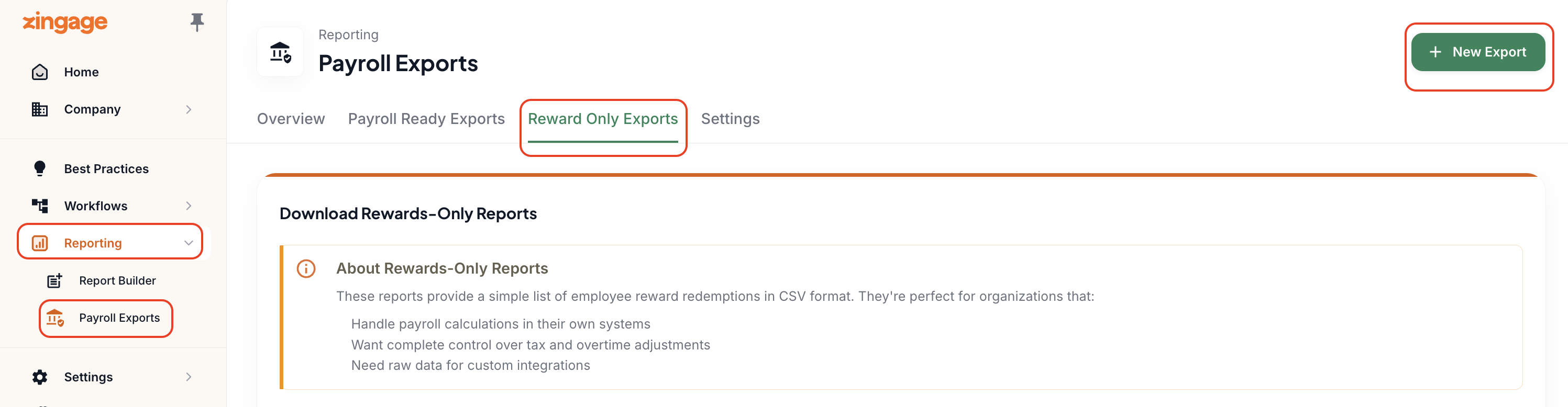
Like the older version, you can export a CSV that shows redemptions; however, this process needs to be triggered on an as-needed basis.
Use this if:
You only want to track what was actually redeemed
You want a simple rewards log for manual input or record-keeping
You'd like to be able to get a compilation report for a specific report type or a specific caregiver
Here's how to use the feature:
Enter your date range
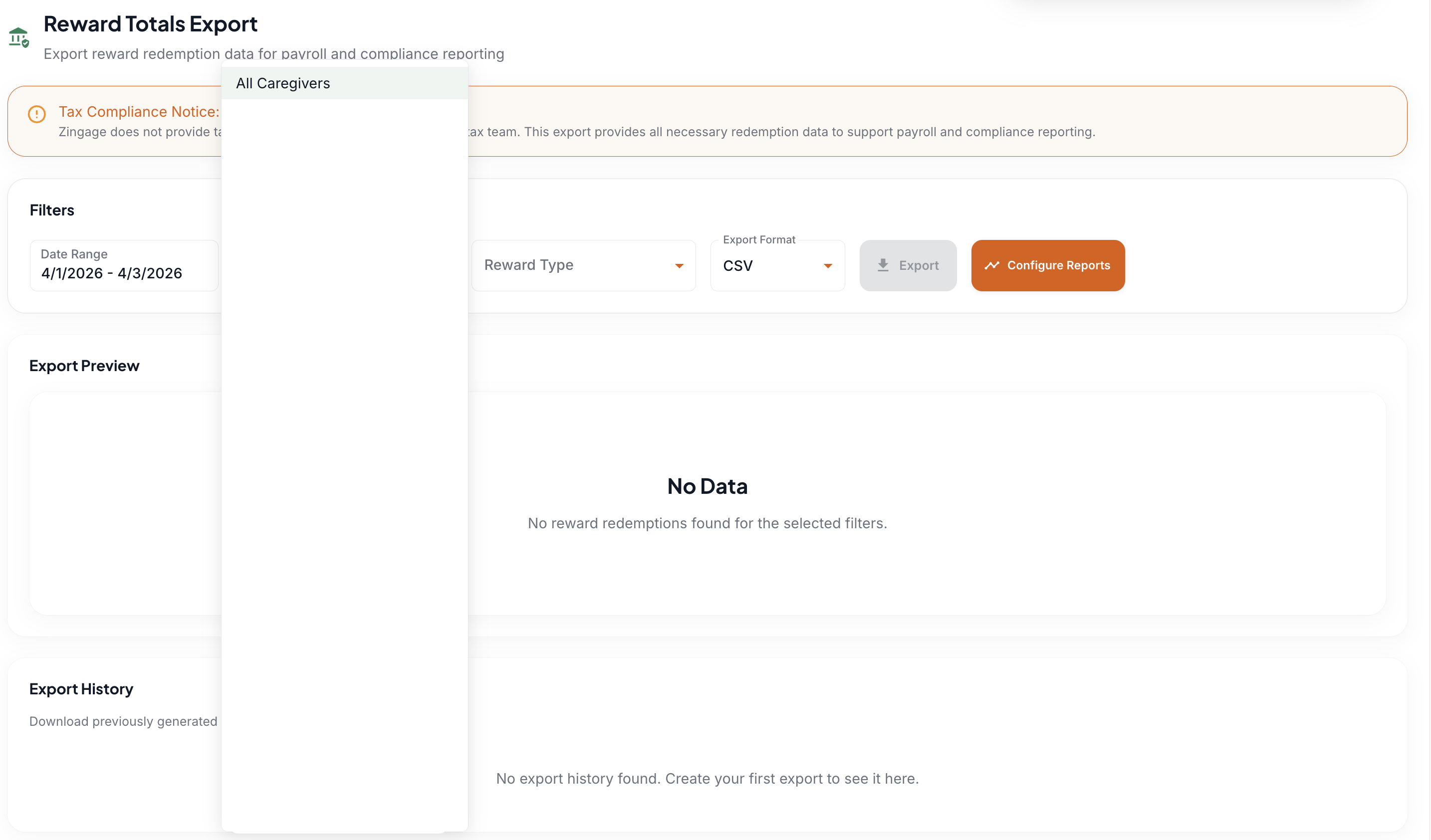
Select your caregiver or All Caregivers
Select your Reward Type
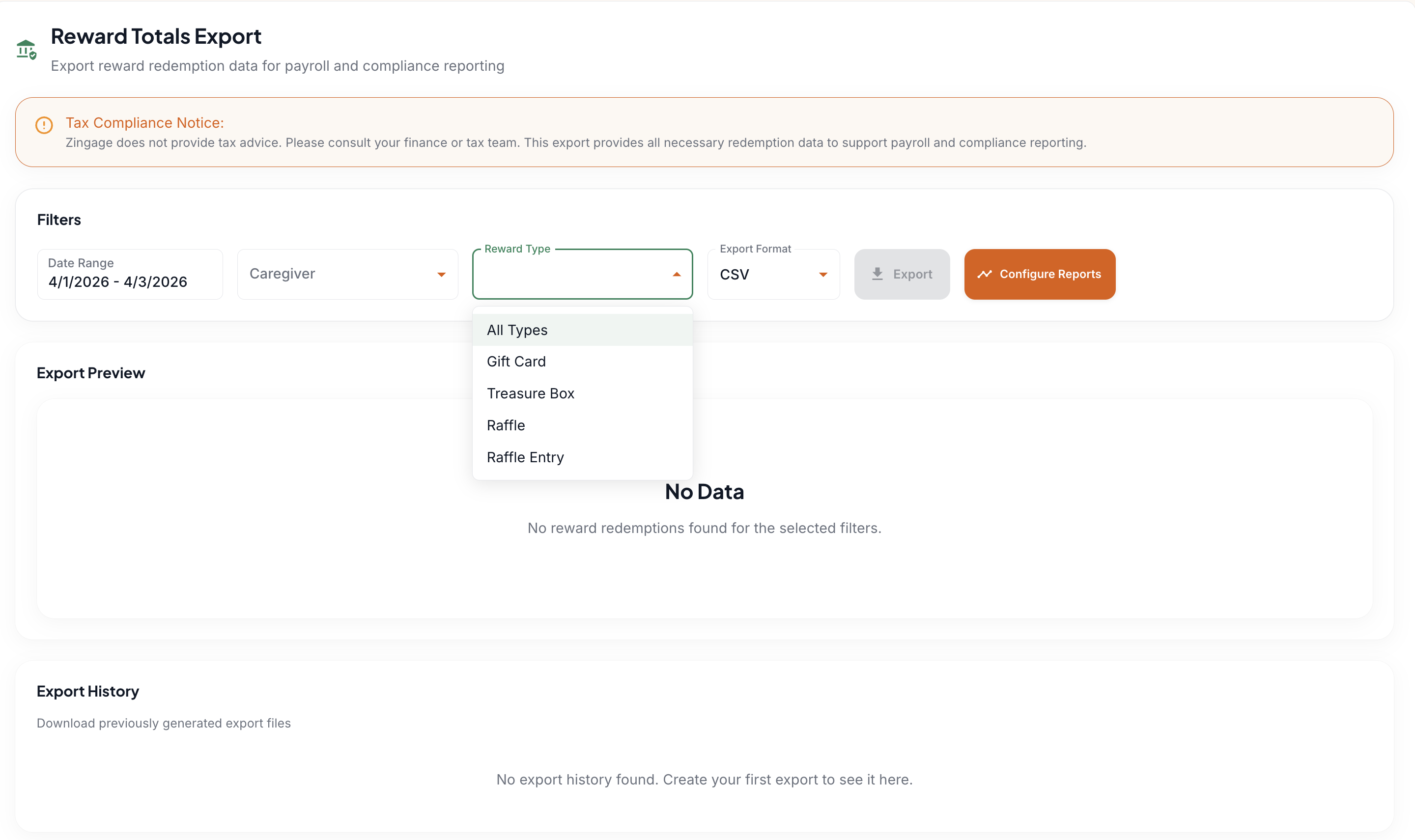
You can then view a preview of the report, and if you decide to export the report,
Select your export format (CSV or Excel), and click the Export button
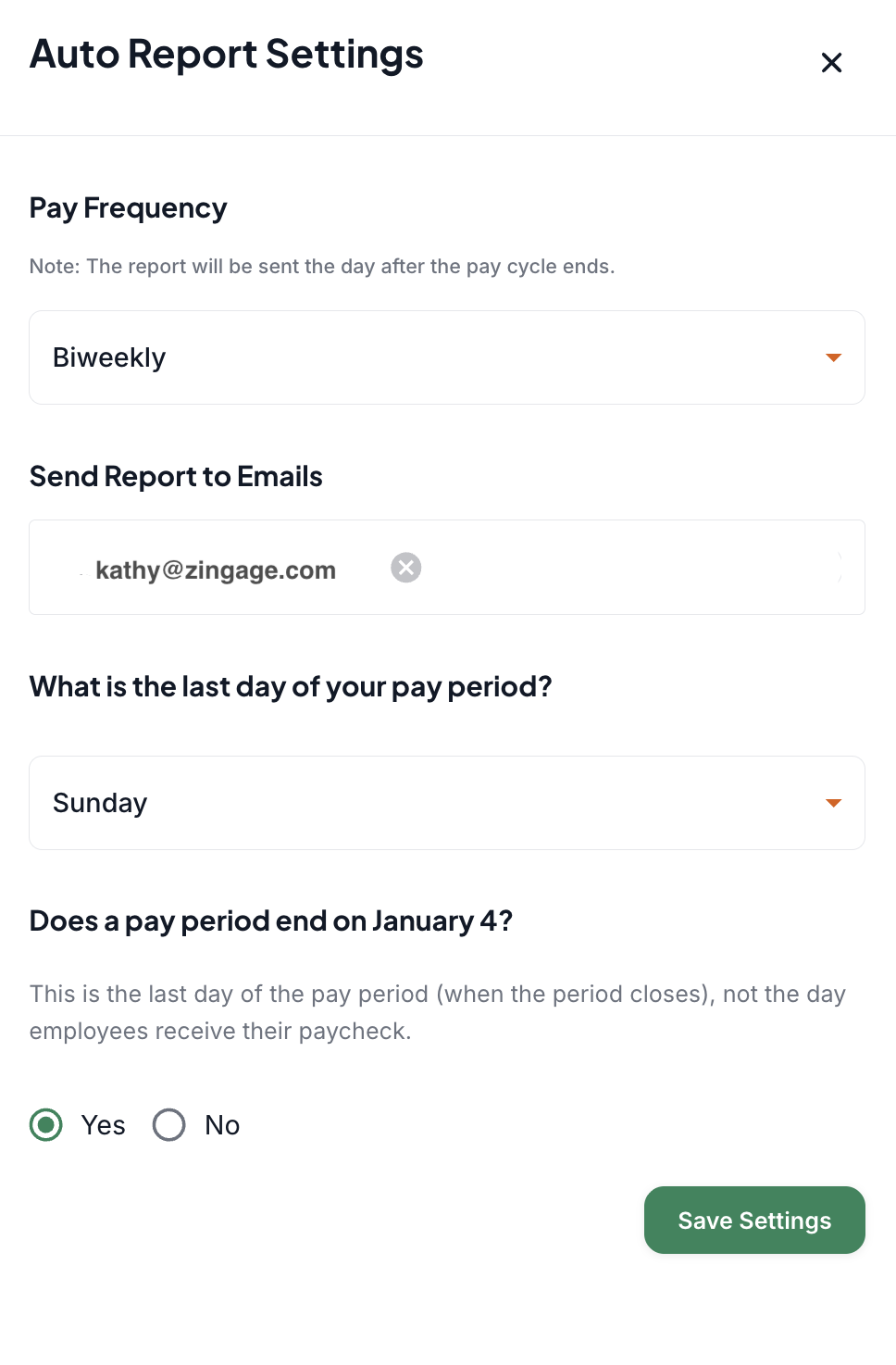
You can also have the Reward Export report automatically emailed to the specified email addresses.
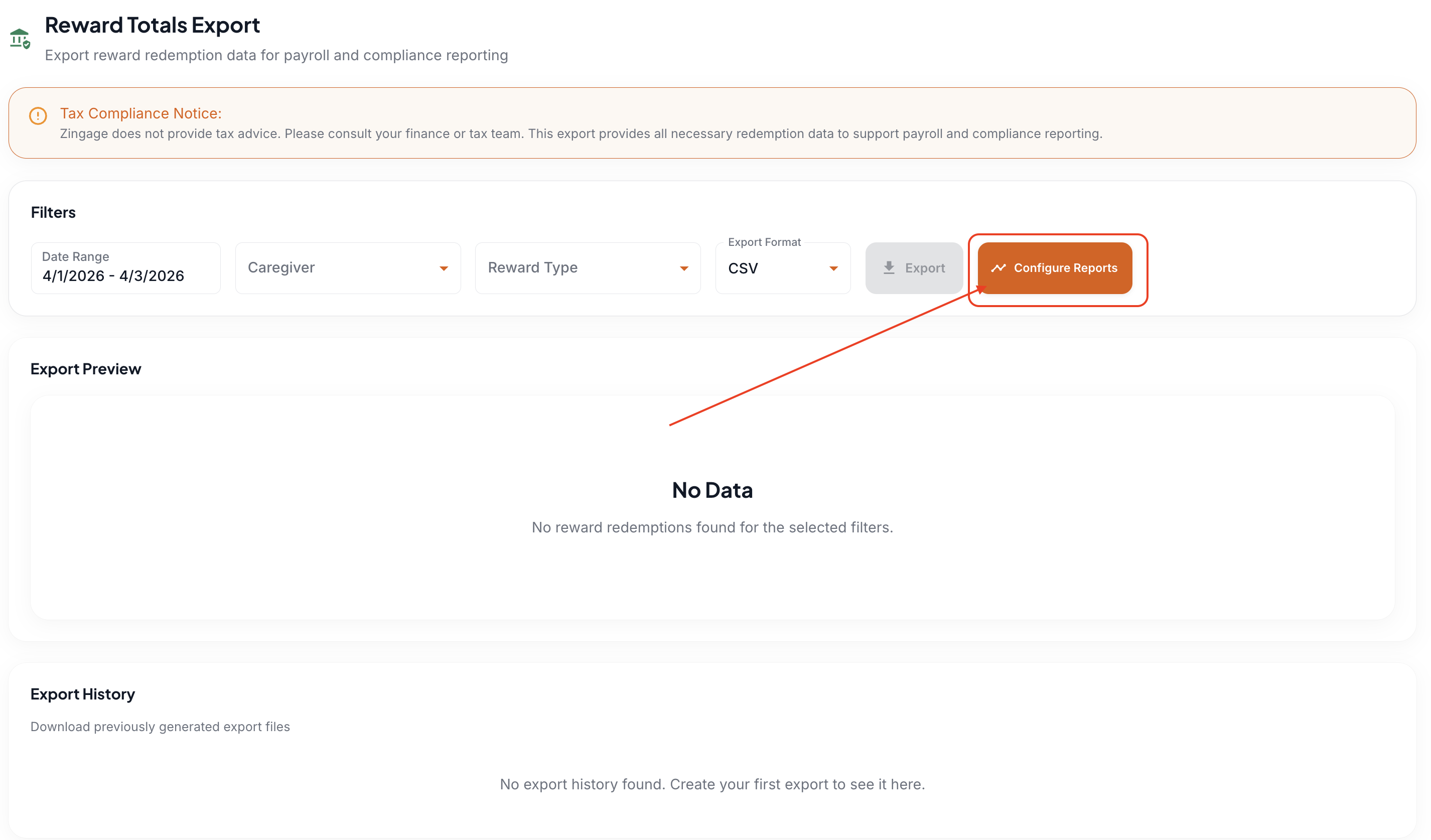
Click the Configure Reports Button
Select your payroll cadence
Input the emails you'd like to receive the report
Select the last day of your pay period and confirm if the specified date was the past day
Save your Settings
Zingage keeps a record of your exports, which you can always see and access in the bottom section of the page.