How do I add a user to our account?
Last updated: October 1, 2025
Adding Care Pro Members (Caregivers)
To confirm, there is no way to add a caregiver to Zingage directly through the Zingage platform. To add care team members to your account:
Add their details to your agency's system (e.g., WellSky, AlayaCare, AxisCare)
Wait 24–48 hours for their profile to sync automatically to Zingage
Once synced, their profile will appear in the Not Invited section of the Employees table
From there, you can manually invite them if auto invites are disabled.
If you don't see their profile after 48 hours, contact support for assistance providing the hire date and date you added the user to the agency's system.
Adding Staff Level Users (Administrators)
To add staff level users or administrators:
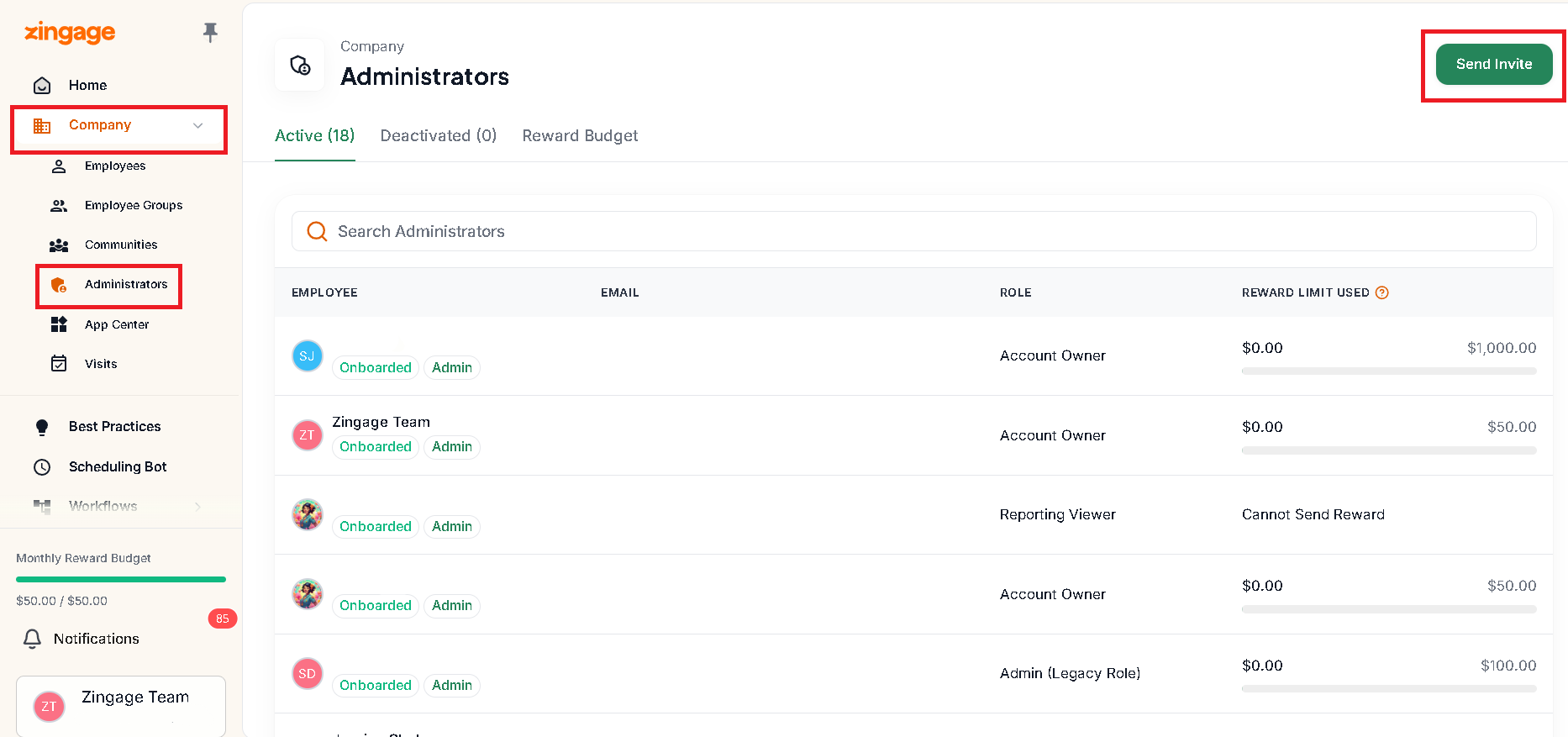
Go to Company > Administrators
Click the Send Invite button in the top right of the screen
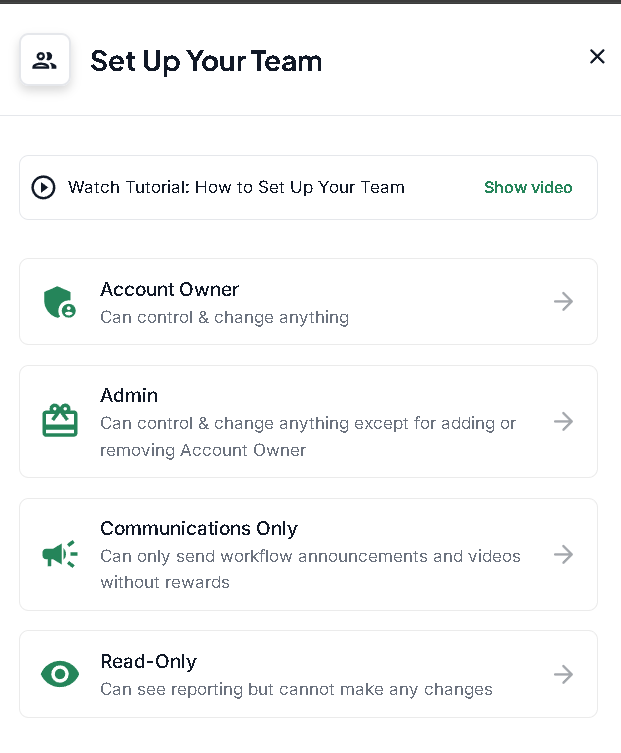
Select the role level for the user
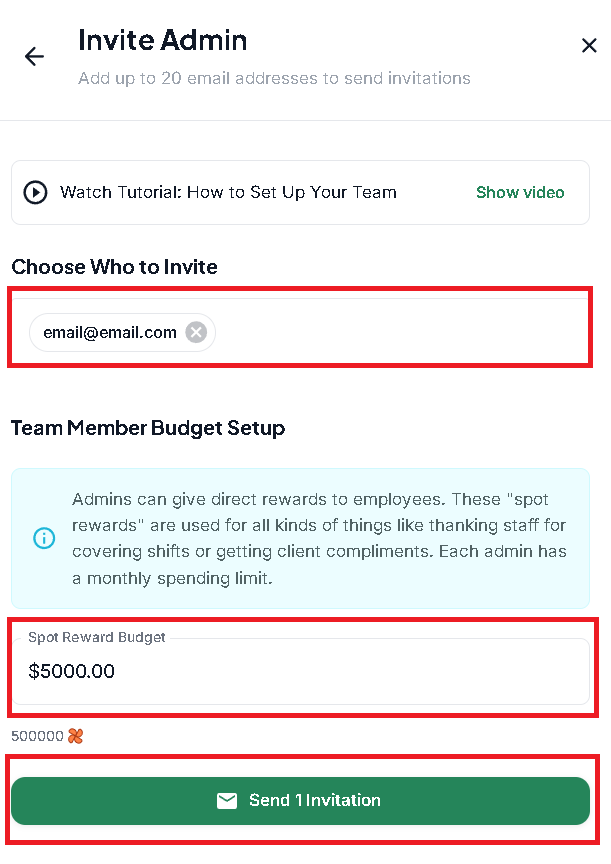
Then add the email address and rewarding limit then click the 'Send Invitation' button to send an invitation to the new administrator