How to Upload a Video to the Platform
Last updated: August 7, 2025
You can upload videos that you've created outside of the system directly to the platform. This feature is particularly useful when you've already created content (such as training videos for specific milestones) and want to incorporate it into your workflow announcements.
Here's how:
Steps to upload your video
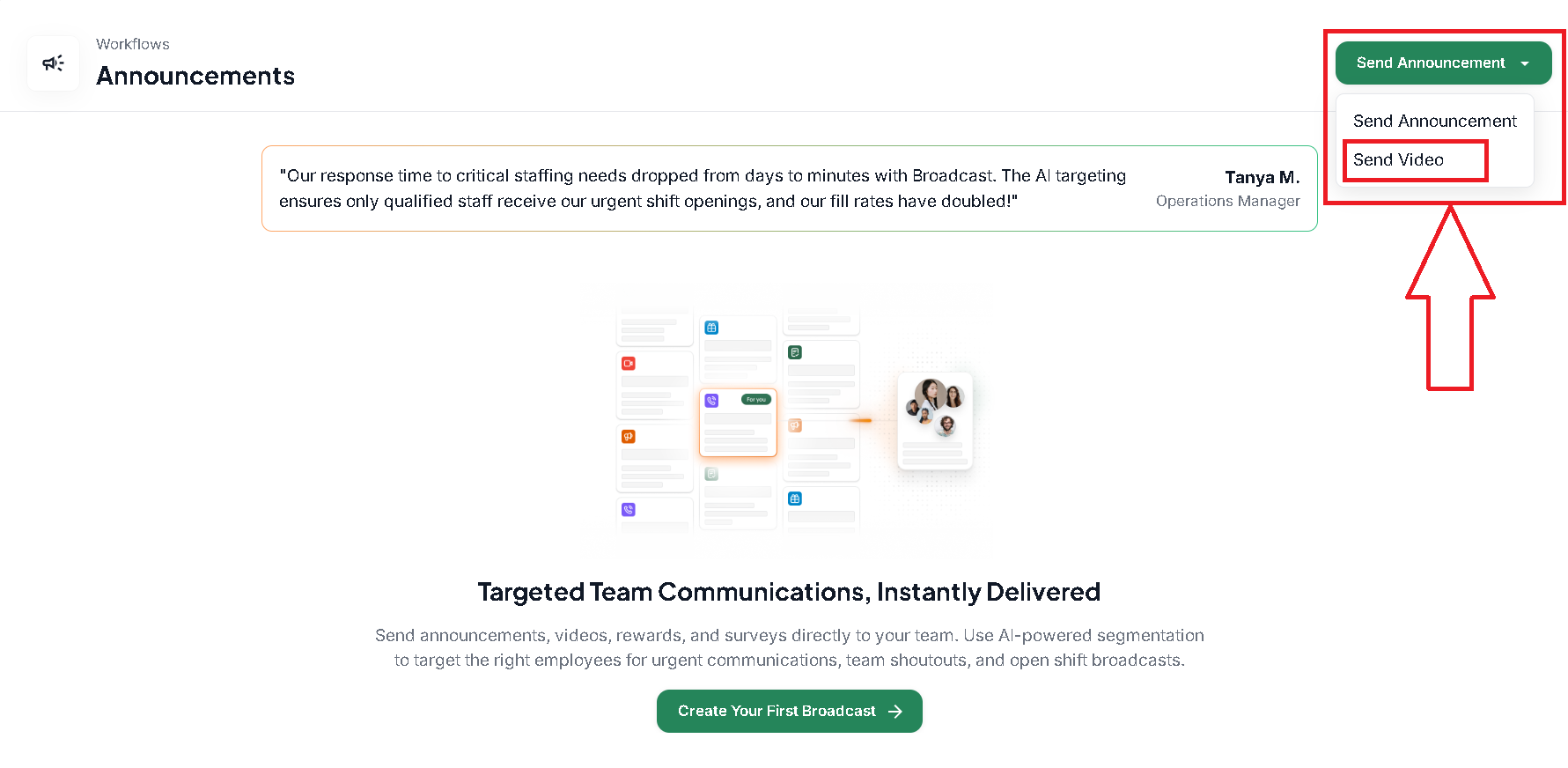
Navigate to Workflows > Announcements
Click Send Announcement
Select Send Video
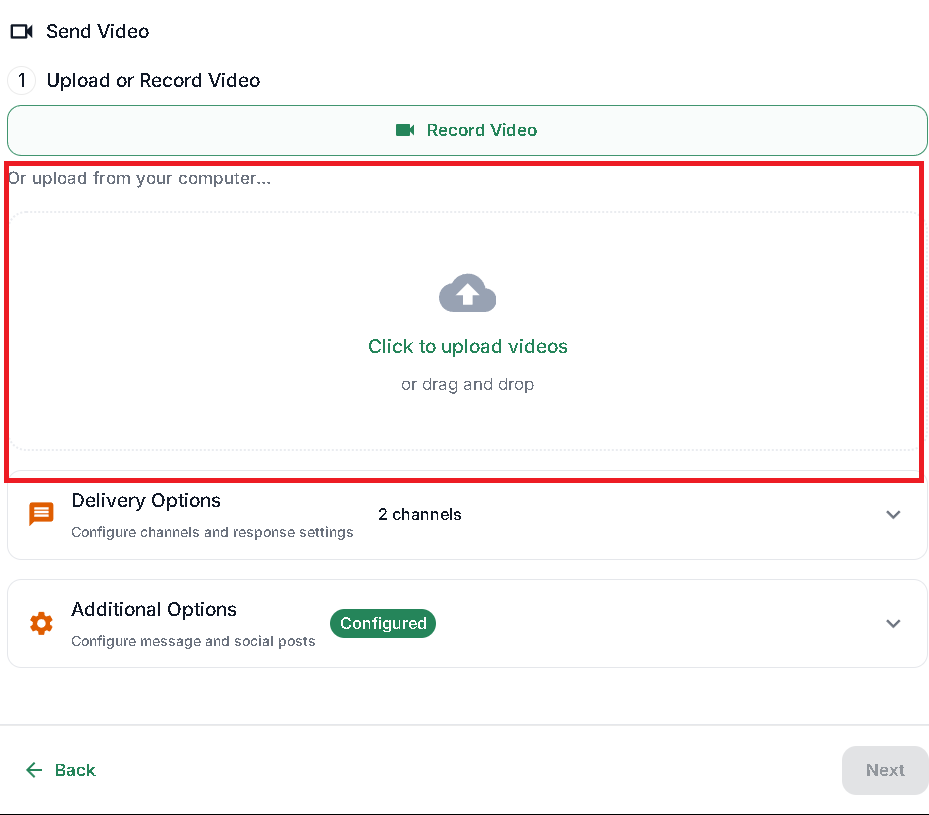
Choose Upload
Video requirements
Before uploading, make sure your video meets the platform requirements. You can find the complete list of video and media requirements in our Information about Videos and Media Uploading on Zingage article.