Zingage Custom Rewards Feature
Last updated: May 29, 2026
Zingage has launched a custom reward feature to allow your agency to fulfill Cash Rewards and Merch Purchases.
🎥 Watch the Custom Merch Feature Tutorial
🛠Set Up
Before enabling this feature, be sure to set up your awards otherwise, this section will be blank on your caregivers end.
Notifications
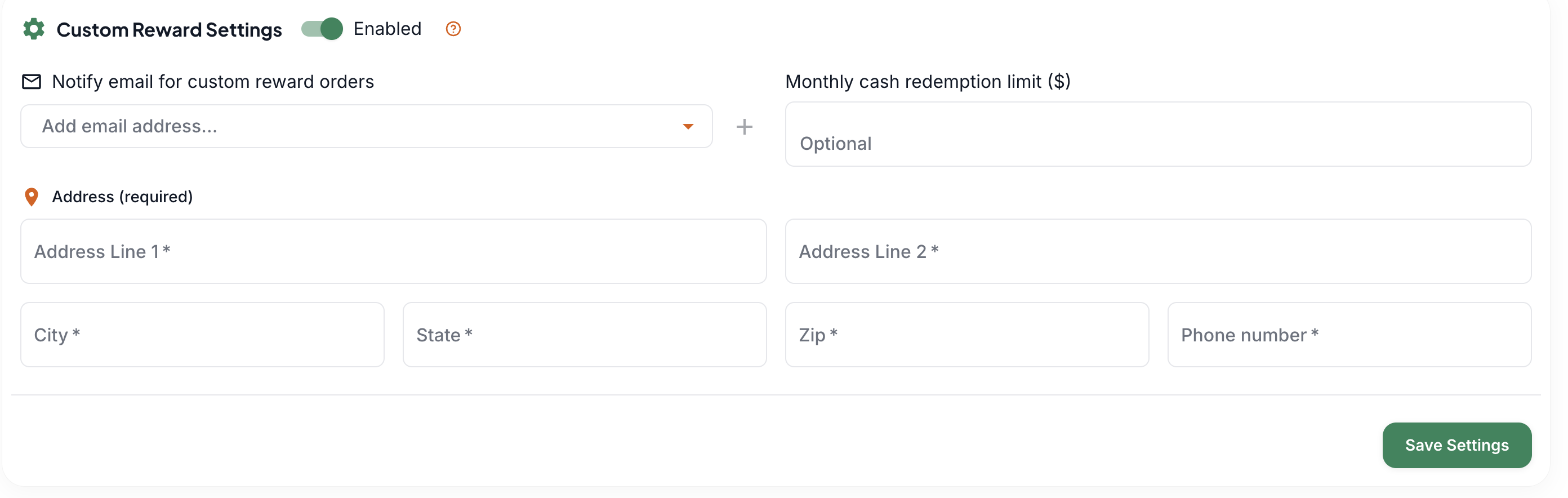
You can find this feature in Settings > Rewards Balance > Custom Rewards
Add the email address where you'd like to be notified once a caregiver makes a purchase or request. It would need to be someone with an account on Zingage.
If there are no emails listed for notification, the notification will by default go to the account owner's email address(es) on Zingage.
Add a cash rewards redemption limit of no less than $20. This is separate from your gift card redemption limit on Zingage. See the FAQ below for a full explanation.
Add the pick-up address, which is required so your caregiver knows where to go to pick up their merch and cash rewards.
👕 Merch Rewards
This reward type allows your caregivers to purchase merchandise such as hoodies, hats, caps, tote bags, t-shirts, books, pens, and any other merchandise you'd like to add for sale.
Hit the green "Add New Reward" button

Select Merch as the reward type and enter the merch
Name: eg, Tote Bag
Price: eg, 20
Category: If the merchandise does not fit into any of the pre-listed options, choose custom and enter your category name
Inventory: eg, 15
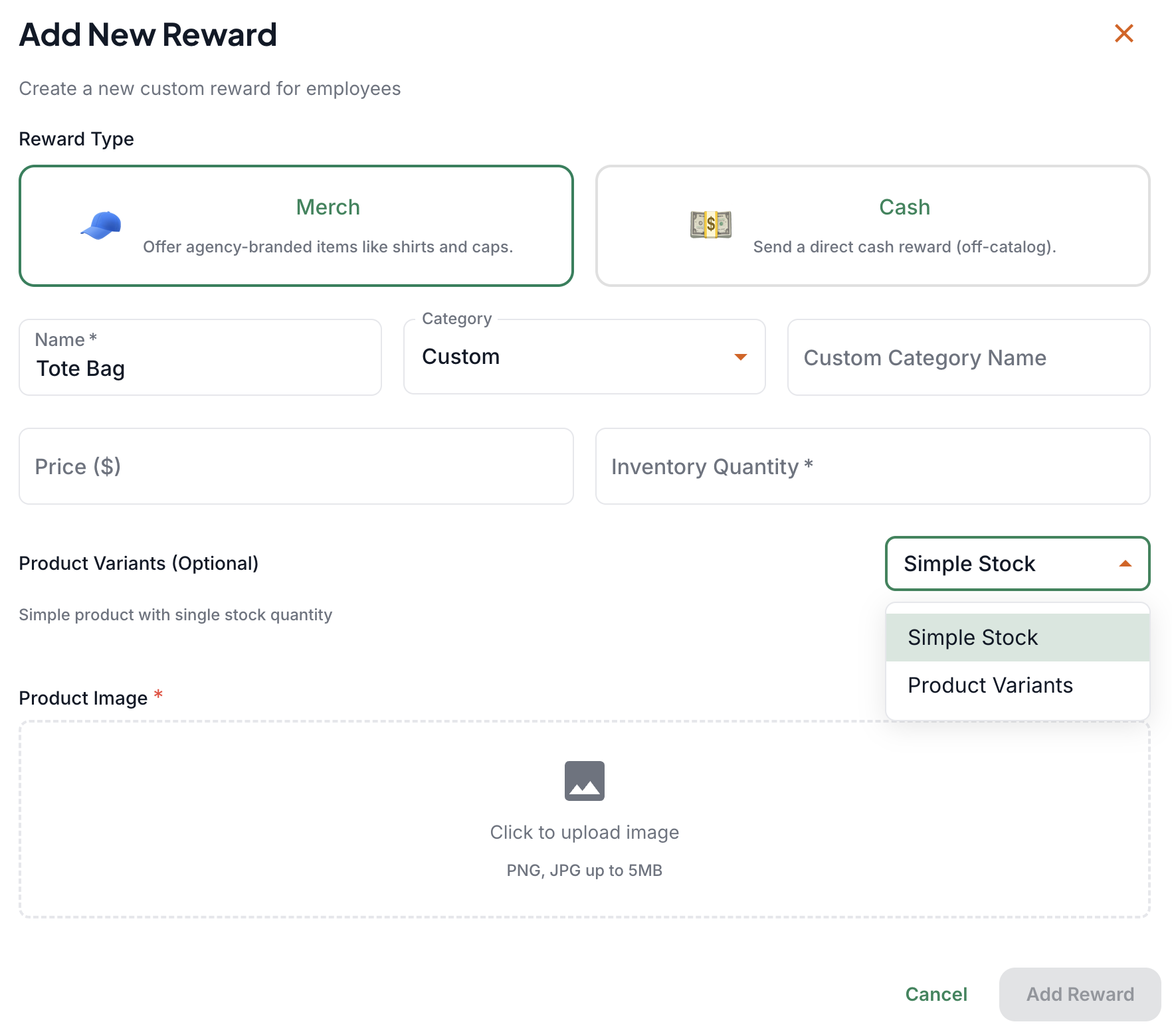
Next, select whether this is a Simple Stock or a Product Variants:
Simple Stock: there is only one of this kind of merchandise. For example, all Tote Bags come in Black and in only one size.
Product Variants: allows you to add different colors and sizes if available. If you select this option, you can add those options:
Select "Add Attribute"
Select the attribute type, and in the next section, you can see the differences, for example
Attribute Type: Color
Options: Black, White, Grey, Brown (you can add the list of variants and separate them by a comma to make it faster and easier)
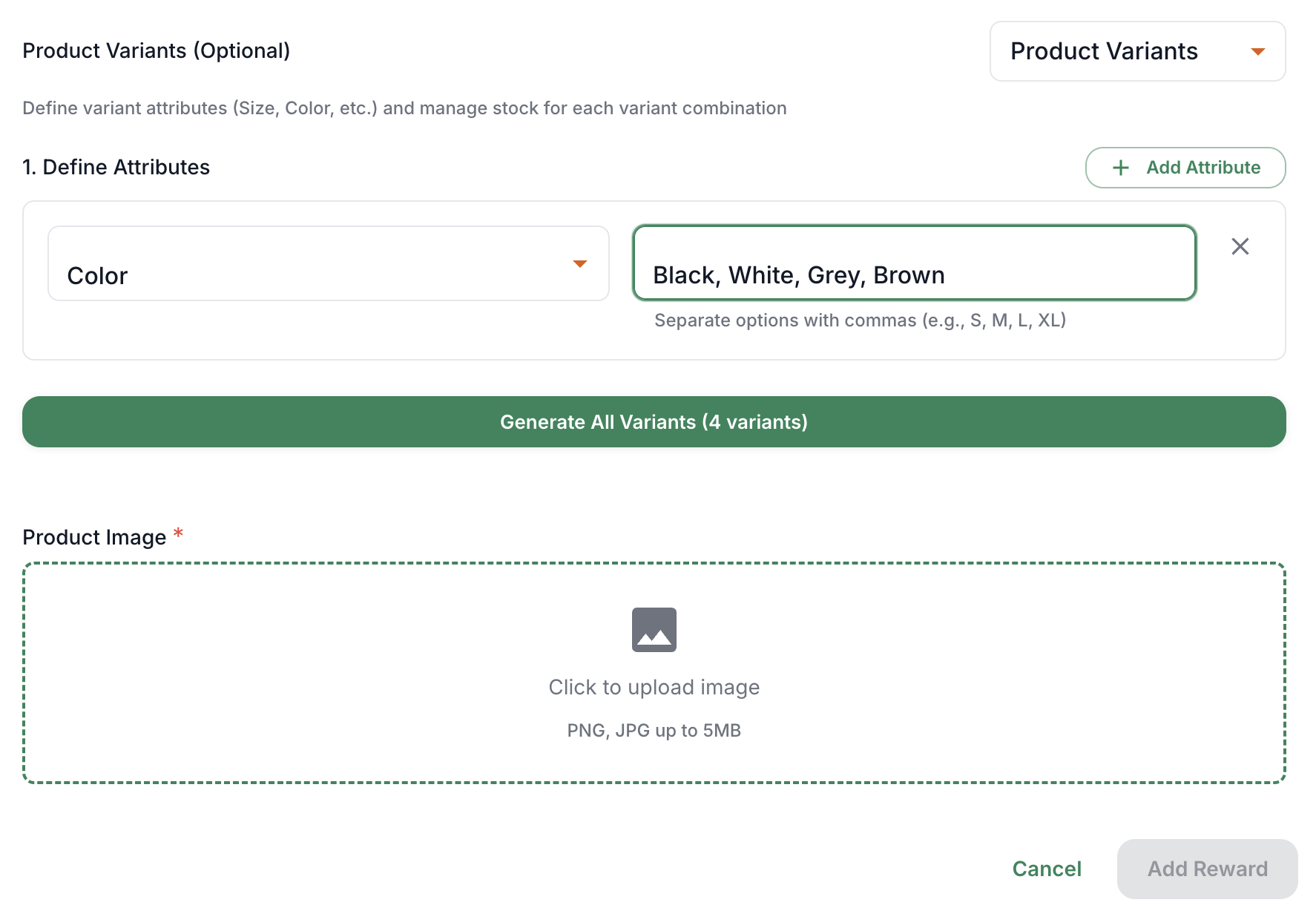
Hit the: Generate" Button
After the variants are generated, you can input your inventory for each variant:
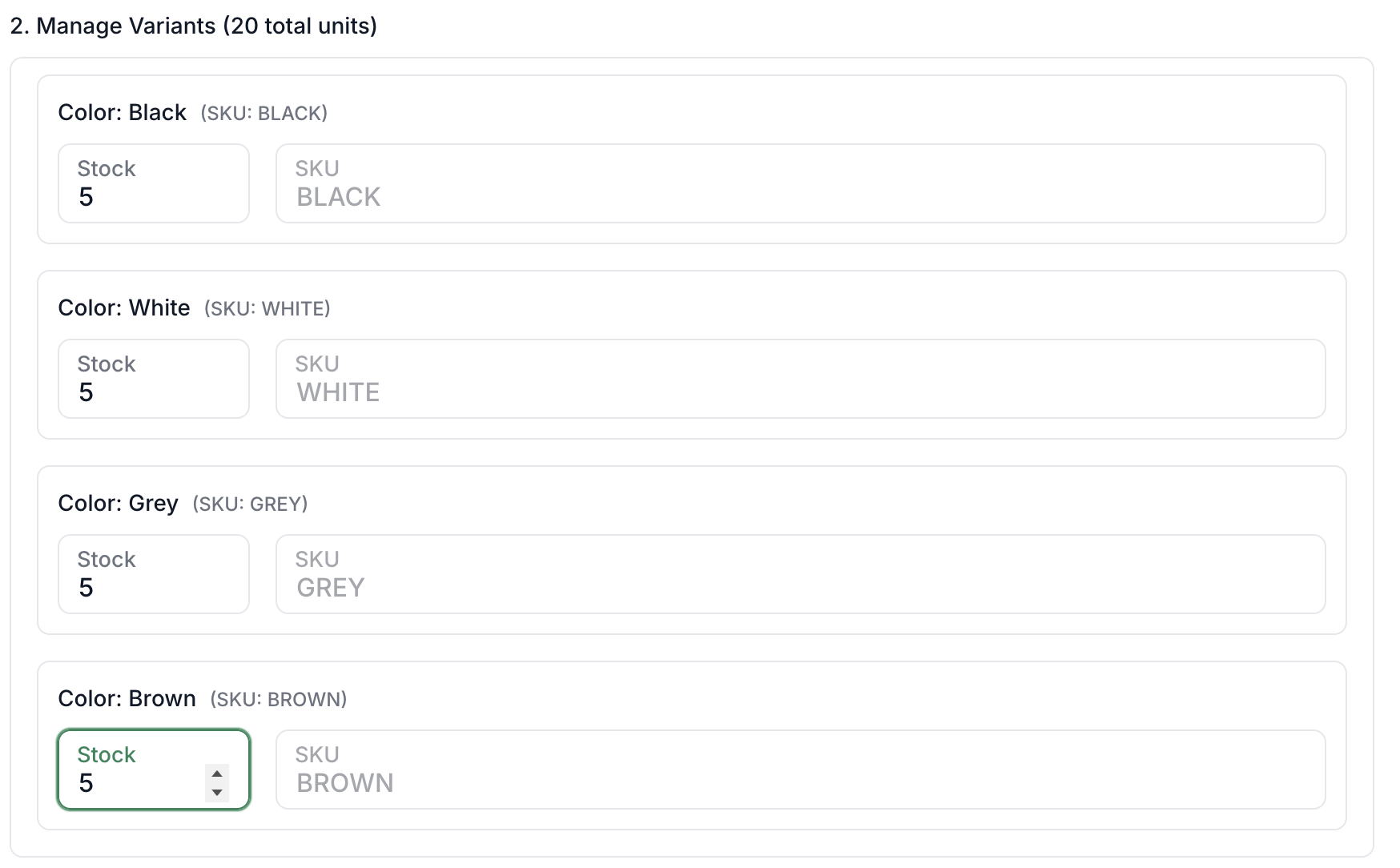
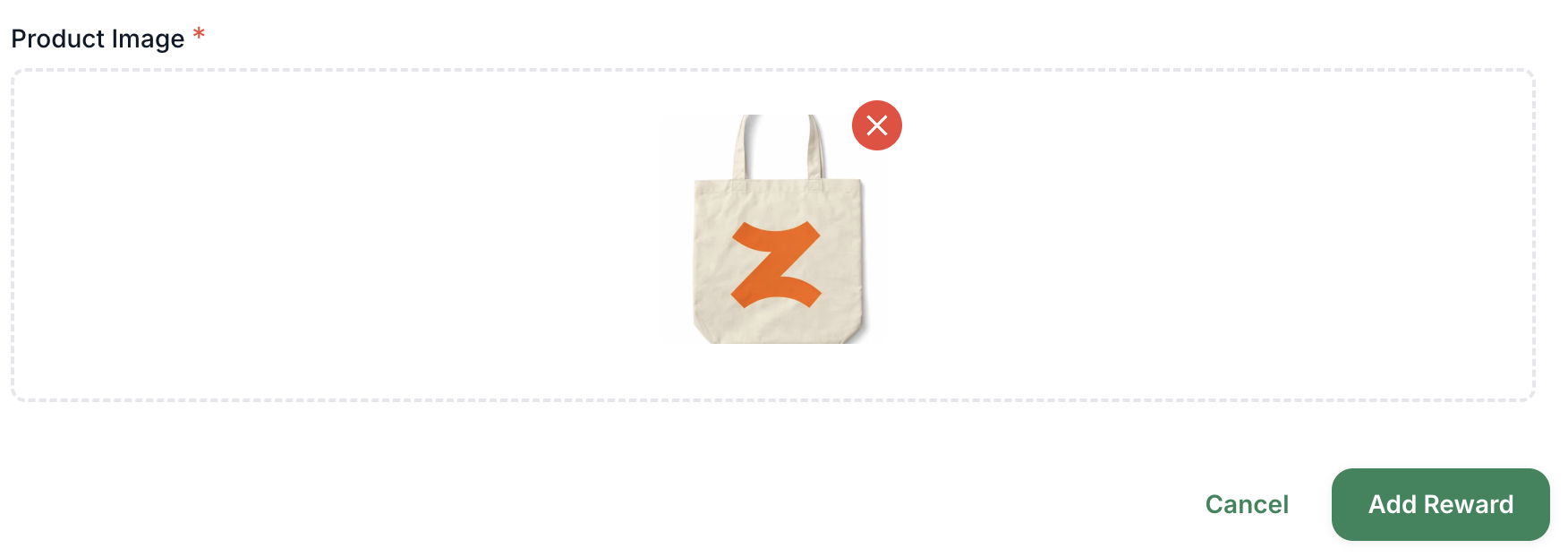
Lastly, add a photo of your merch and Save the reward
Caregivers will pick up their Merch or Cash reward at the Office Location.
💵 Cash Rewards (Points for Cash)
The Cash Rewards option allows your caregivers to convert their points to cash. They can select the cash reward you list from their view and redeem it. After they redeem that reward, they can pick it up at the office location.
The minimum cash amount redeemable is $20, and the maximum is $200. You can set up any cash reward that you would like to offer. You have control over the cash rewards your caregivers can redeem. You can set one cash redemption amount, or you can set multiple different amounts. It's totally up to you!
The redemption limit you set within the Rewards Balance page of the platform for gift cards does not apply to cash rewards. These are two separate redemption limits handled independently of one another.
Click the "Add New Reward" button
Select Cash as the reward type
Enter the name of the reward. Recommended Name format example:"$20 Points for Cash."
Enter the price/amount
Select your fulfillment method. You can choose which fulfillment methods you want to offer for the reward type. The options are:
Give cash
Issue a check
Add that to their paycheck and let the caregiver know.
For check and cash exchanges, the caregiver would need to pick up at the office.
If you have more than one method offered, the caregiver can pick which method they'd prefer.
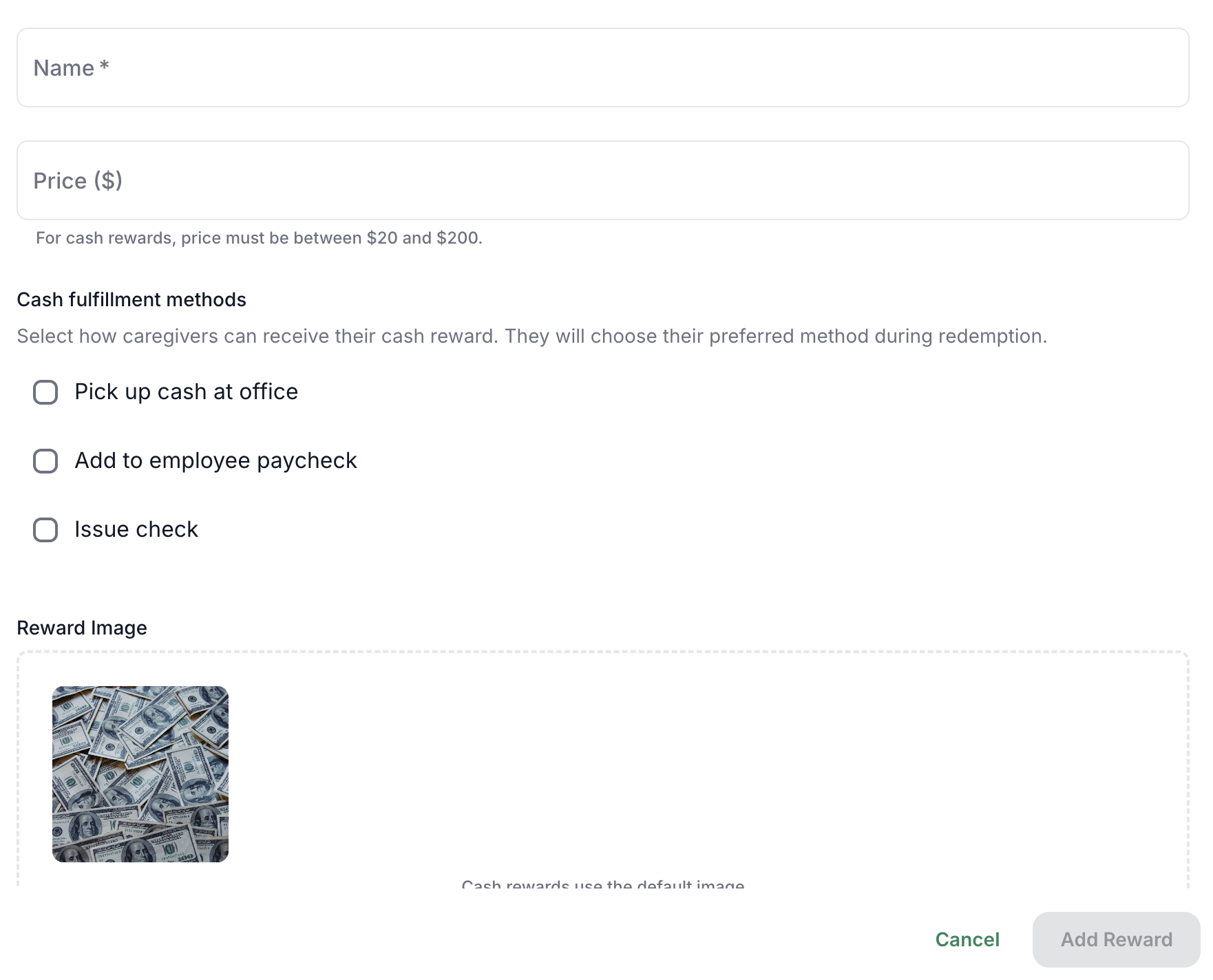
After that, you can "Add Reward" to save!
It's best to add cash reward values that are equal to or lower than the cash reward redemption limit
Removing and Editing your rewards
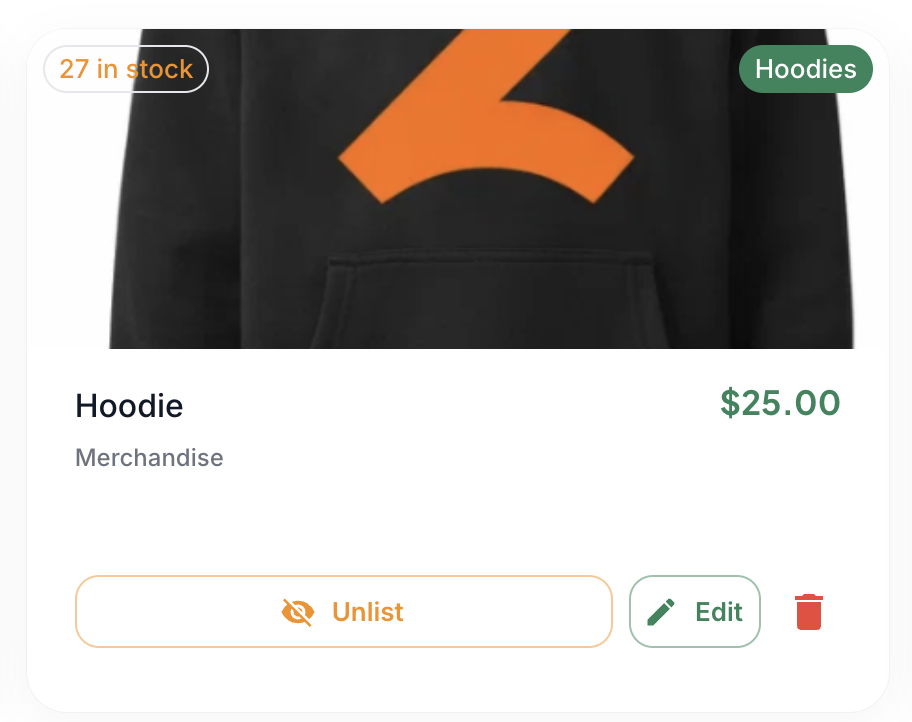
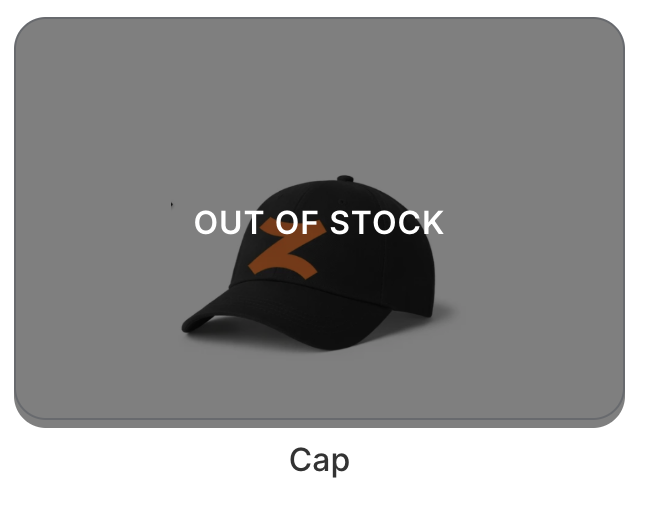
Unlist: This button allows your caregivers to see that the item is out of stock. You can re-list the item when it's back in stock.
Edit: This button allows you to make edits to any of the data for the reward
Delete: This button allows you to completely remove the item from the rewards section.
🧑⚕ What Your Caregivers See:
Visit our Agency Merch and Cash Rewards article to review what your caregivers see once this feature is enabled.
🪵 Logs and Orders
You can find all reward orders in the Reward Orders tab.
Click the 👁 icon to see the order details for fulfillment
Once the item or cash is ready, you can click the notify button to notify the caregiver that it's ready for pick up at the office location
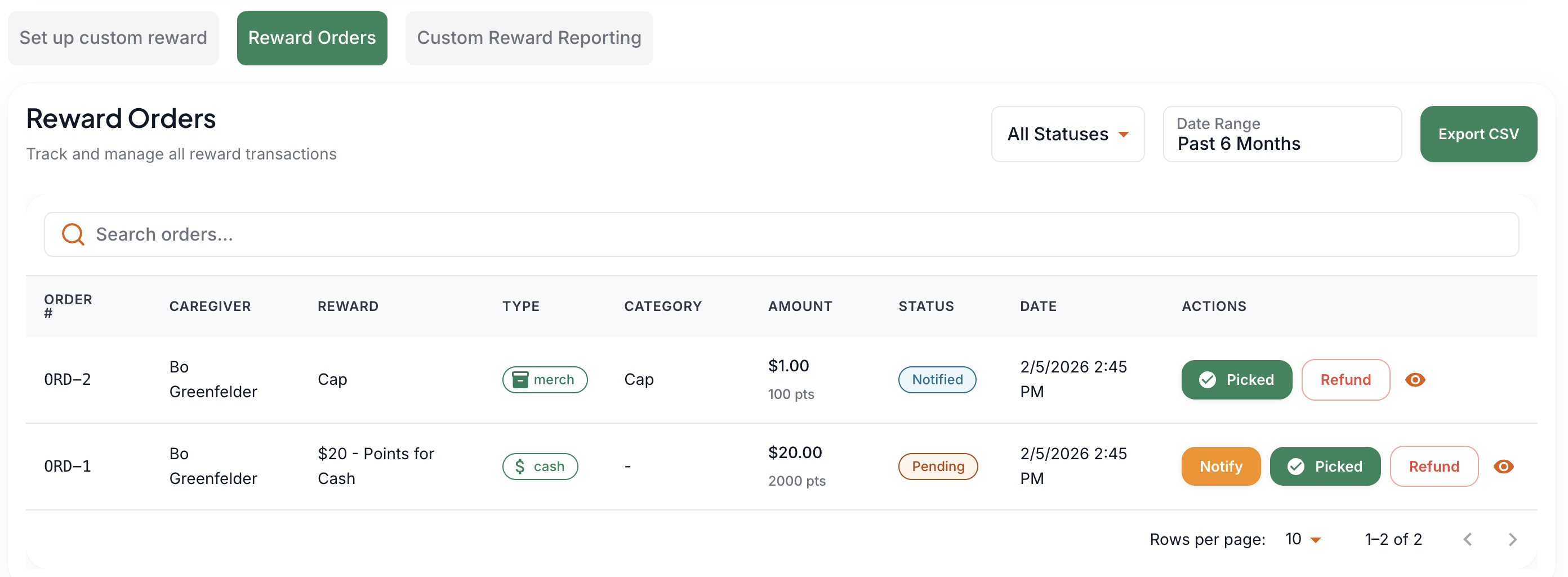
You can also refund the caregiver for the item, which will re-add the points value back to their points balance.
IMPORTANT: Once the caregiver has picked up merch, cash, or a check at the office location, or you've made changes on your end to add cash redemptions to the caregiver's paycheck, click the "Picked" button to keep your logs clean.
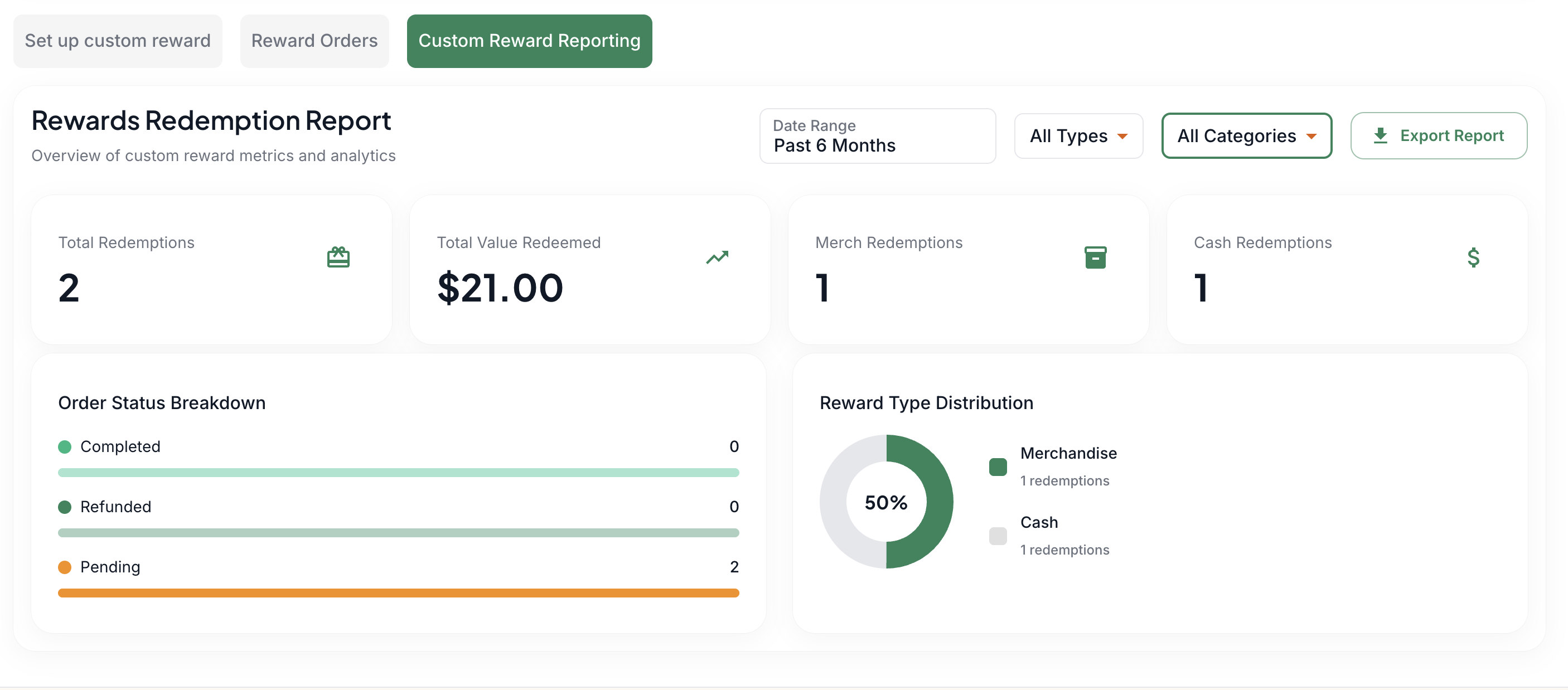
📈 Reporting
Go to the Custom Rewards Reporting tab to view your merch stats. You can toggle by types, categories, and time frame. You can also export the report as a CSV.
FAQ's:
What kind of pictures can I use?
It's best to take a photo of the actual merch and upload it so your caregivers can actually see what the merch is.
The supported photo types are PNG, JPG, JPEG
Where does the caregiver pick up the merch or cash?
Your caregiver can pick up at the stated office location
How do the caregivers get the cash?
You can allow the caregiver to pick up the cash at the office location, you can issue them a check, or you can add the balance to their paycheck.
How do I give the cash rewards to the caregivers?
You can allow the caregiver to pick up the cash at the office location, you can issue them a check, or you can add the balance to their paycheck.
Will the caregivers be able to redeem cash or buy merch after the redemption limit is reached?
The gift card redemption limit set here is separate from the redemption limit set in the Custom Merch section. Since the cash and merch rewards are not tied to the agency's Zingage wallet, the redemption limit on the Zingage wallet does not apply. Caregivers will always be able to buy merch, and they will only be able to redeem cash rewards until the redemption limit in the custom merch section is reached.
Do the Merch or Cash Rewards affect the agency wallet on Zingage?
No. These rewards are pure transactions where the caregiver's points are deducted, but the agency wallet remains untouched, allowing the caregiver to pay for the product using their points.