Zingage Account Statuses: What They Mean (Onboarded, Activated, Not onboarded)
Last updated: July 24, 2025
If you've ever wondered what the user status in the employee table means, here's a quick clarifier:
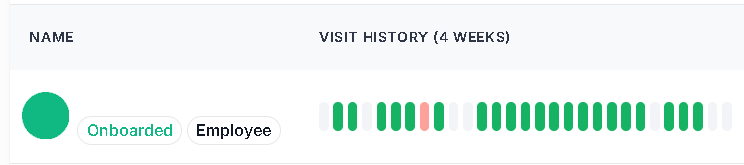
Onboarded: this means the user has completed their profile set up and have logged into Zingage for the first time. This needs to be completed for Zingage to begin awarding visits and goals for the user.
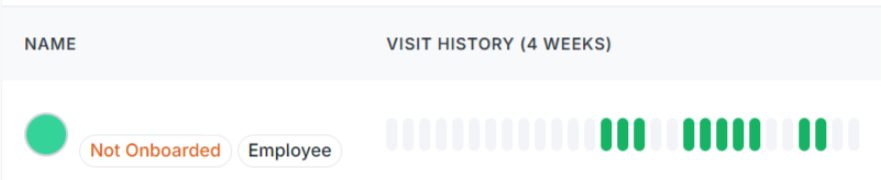
Not Onboarded: this means the user has not completed the profile set up and has not logged into Zingage, ever. Zingage is not actively tracking or accumulating awards for this user.
Activated: this means the user has been invited to onboard to ZIngage. The activated status is only seen if you're sending a spot reward through a workflow to a user that has not onboarded but has been invited to onboard.
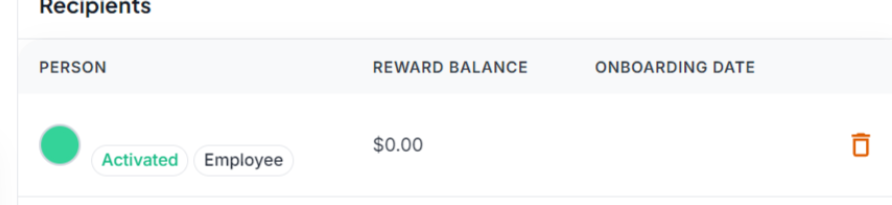
In the Employees Table>Invited tab, the list of all invited users both onboarded and not onboarded will be listed there, the onboarding status will be reflected. But if you ever see the status Activated, this is what it means.
If you've invited a user and want to remind them to onboard, here's how to do that!