How to Provision an API Key for Zingage in AlayaCare
Last updated: September 10, 2026
In order for Zingage to obtain the employee data necessary to automate rewards, we'll need an API key provisioned from within AlayaCare. This provision is required prior to setting up the platform and launching to your caregivers.
Here is a screen recording of the steps, and they are outlined below as well:
Log in to AlayaCare
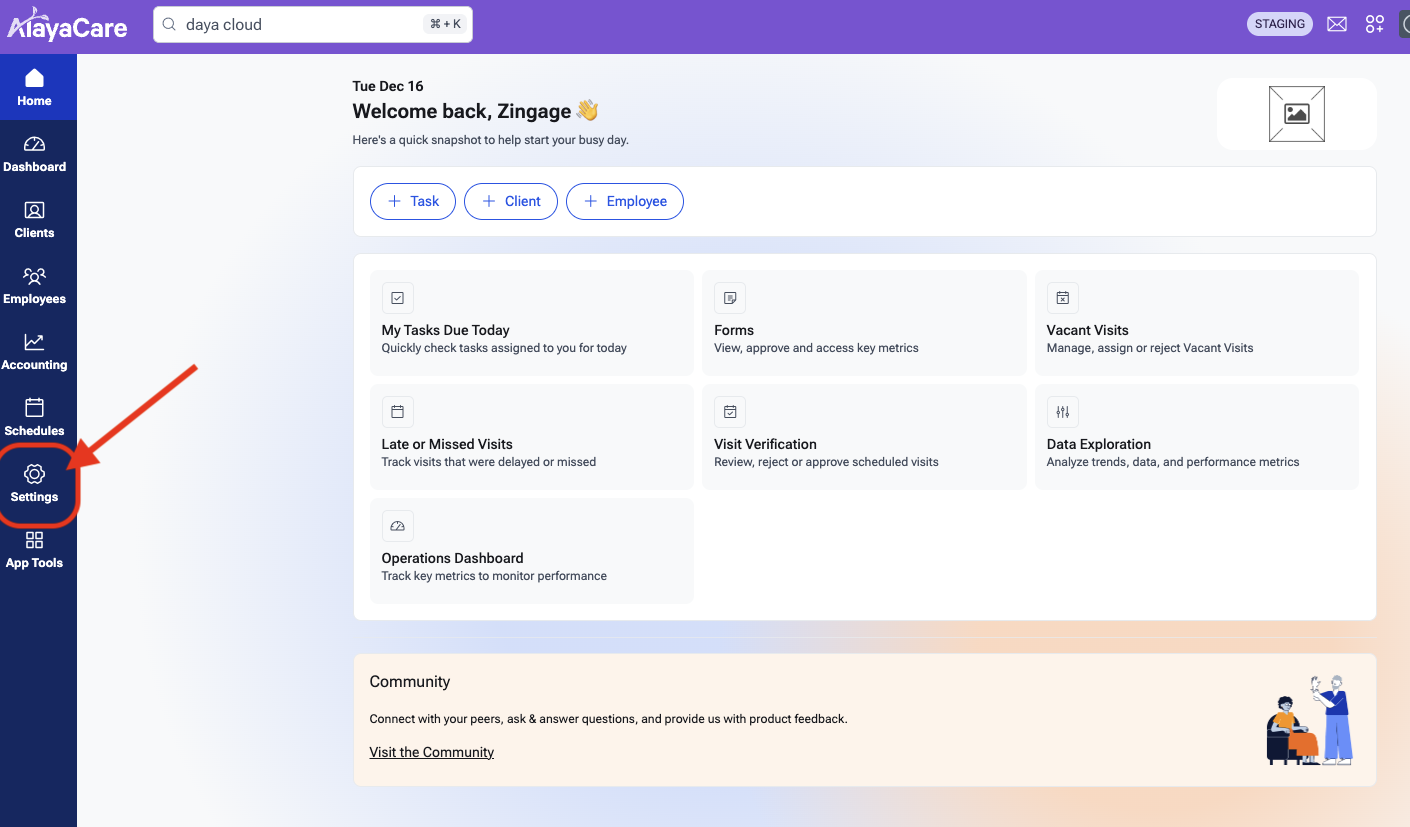
Go to Settings
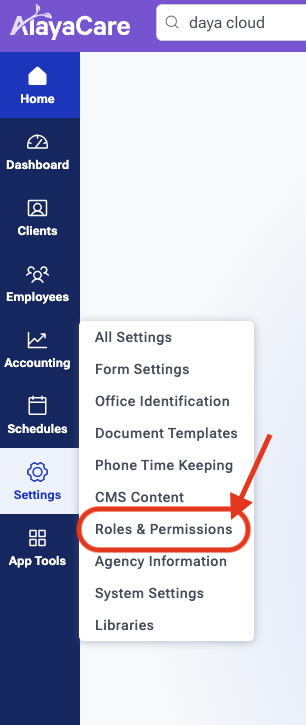
Click Roles & Permissions
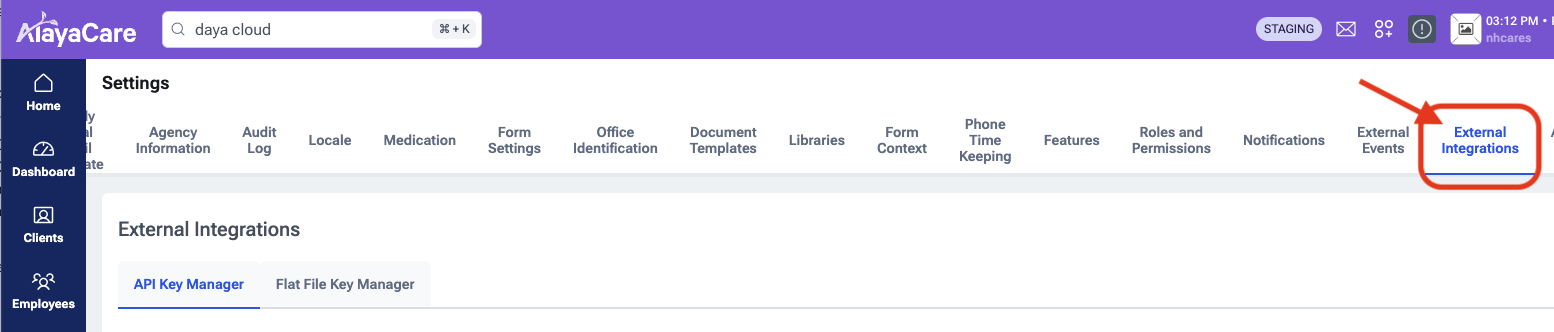
Click External Integrations
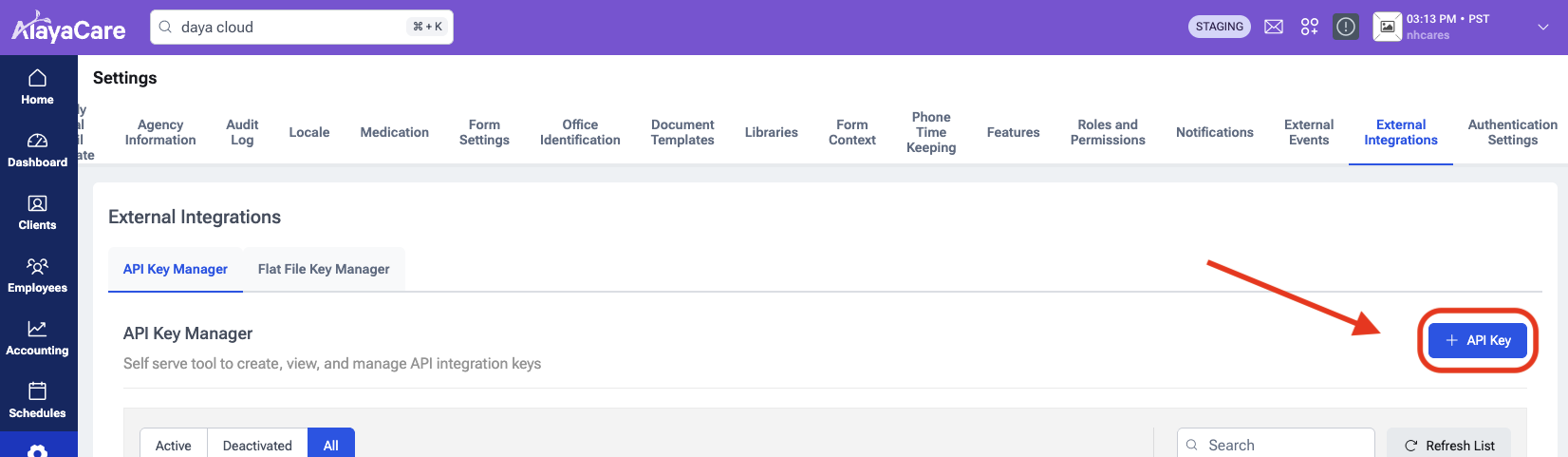
Click + API Key on the right
This window will pop up
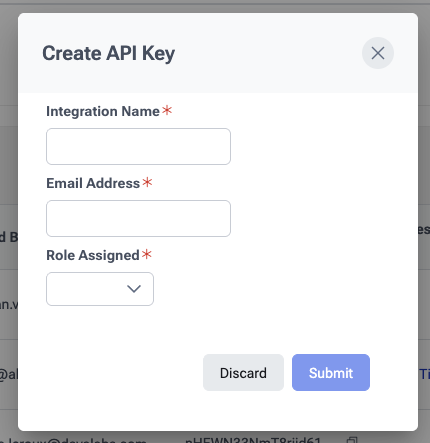
To add the key for Zingage, enter the following, then click 'Submit'
Integration Name: Zingage
Email Address hipaa-integration@zingage.com
Role Assigned: System Administrator