How to Add Resources to Your Team's Zingage Account
Last updated: August 18, 2025
To add resources that will be visible to caregivers in your agency's Zingage account, follow these steps:
Click New Document
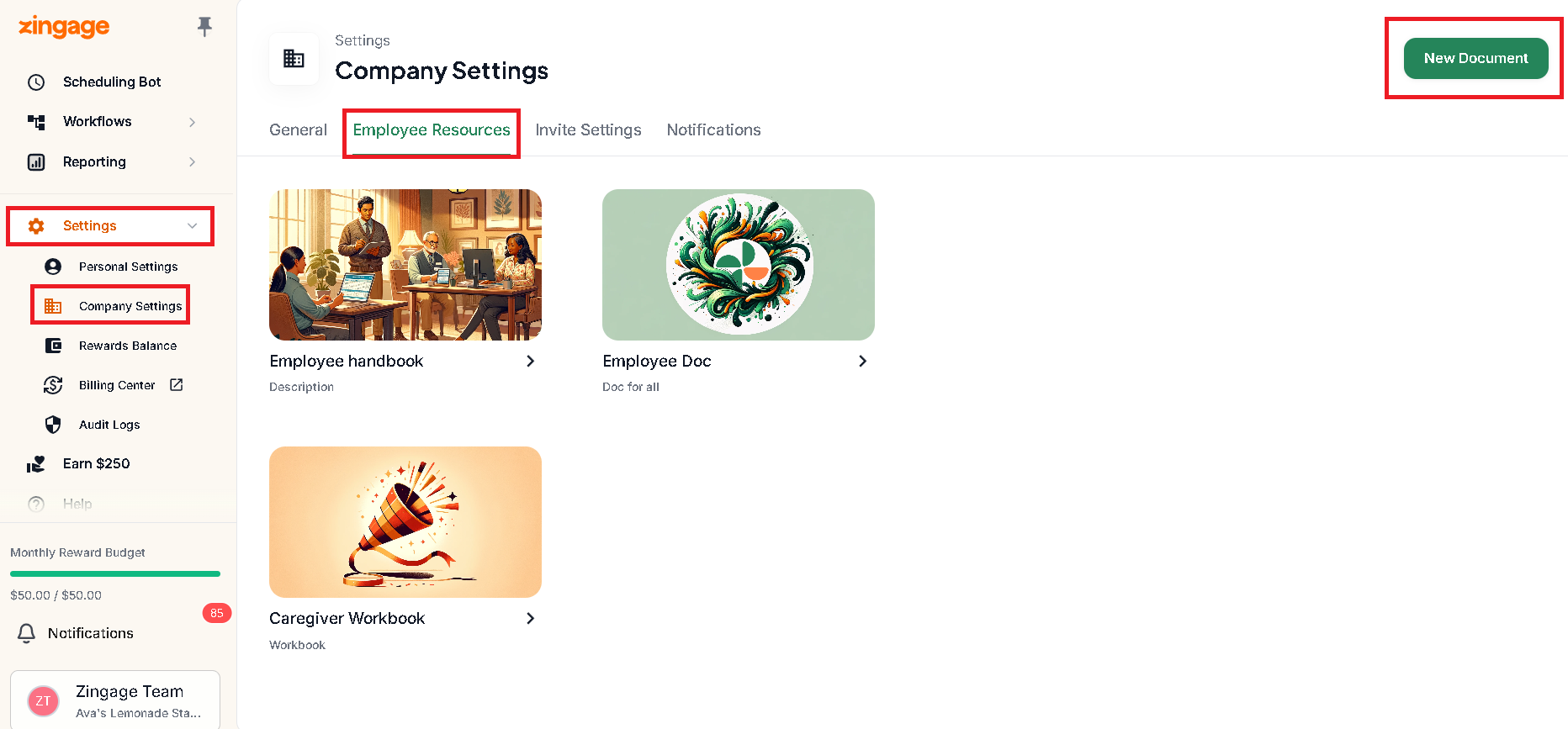
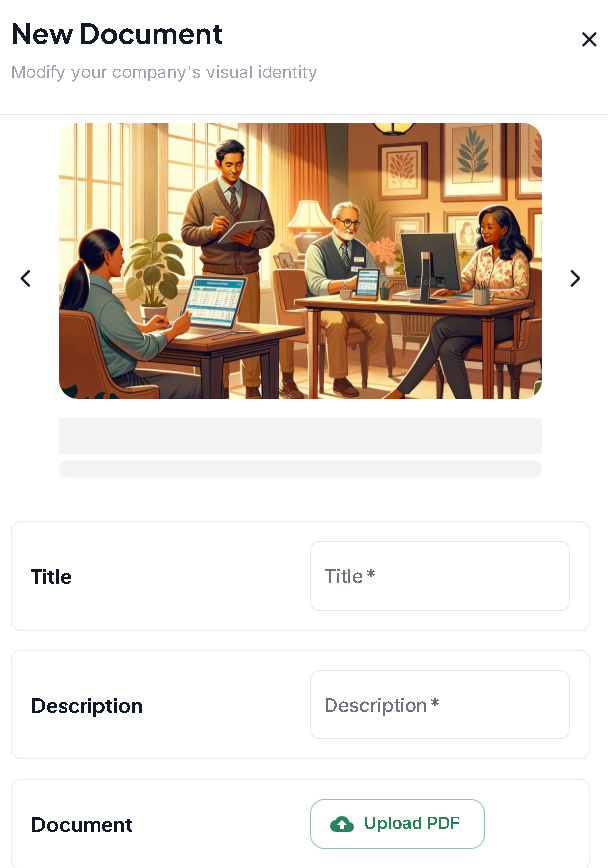
Choose a photo and enter a title and description for your resource
Upload your PDF file (PDF is the only accepted file type)
Click Save Changes
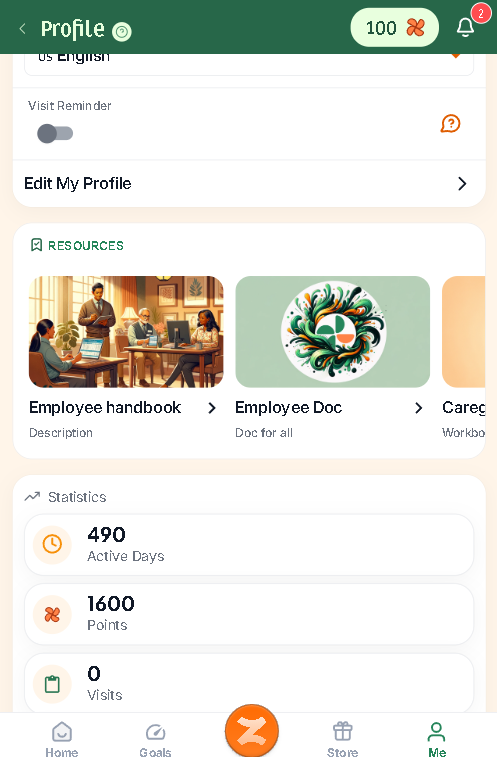
Once saved, the resource will be available to your caregivers in the Me tab of their Zingage account:
Note: Only PDF files are accepted for employee resources.