How to edit autopilot invite interval settings
Last updated: October 22, 2025
You can modify your autopilot invite settings, including changing the day and time when invites are sent automatically.
Accessing Auto Invite Settings
To edit your autopilot invite interval:
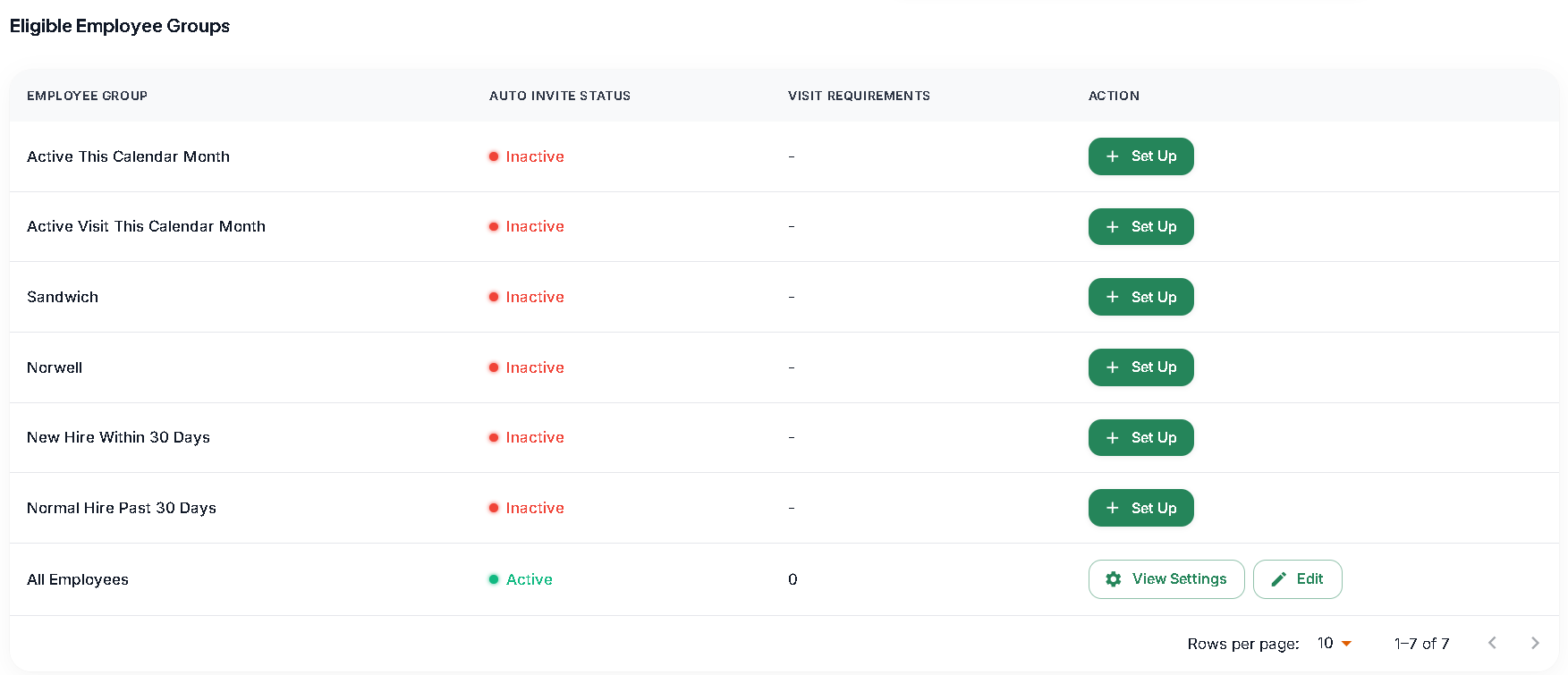
Find the autopilot setting you want to modify
Click the Edit button next to the setting
If you can't make changes after clicking Edit
If you're unable to modify the settings after clicking the Edit button, this may indicate a technical issue or permission restriction.