How to find and configure activity tag mapping settings
Last updated: December 12, 2025
Activity tag mapping allows you to configure how tags from your integrated systems are handled within the platform. As an admin, you can access these settings through your Connected Apps configuration.
Locating Activity Tag Mapping Settings
The location of activity tag mapping settings depends on your integration:
For Other Integrations: Go to Company > Connected Apps > Configure on your listed integration.
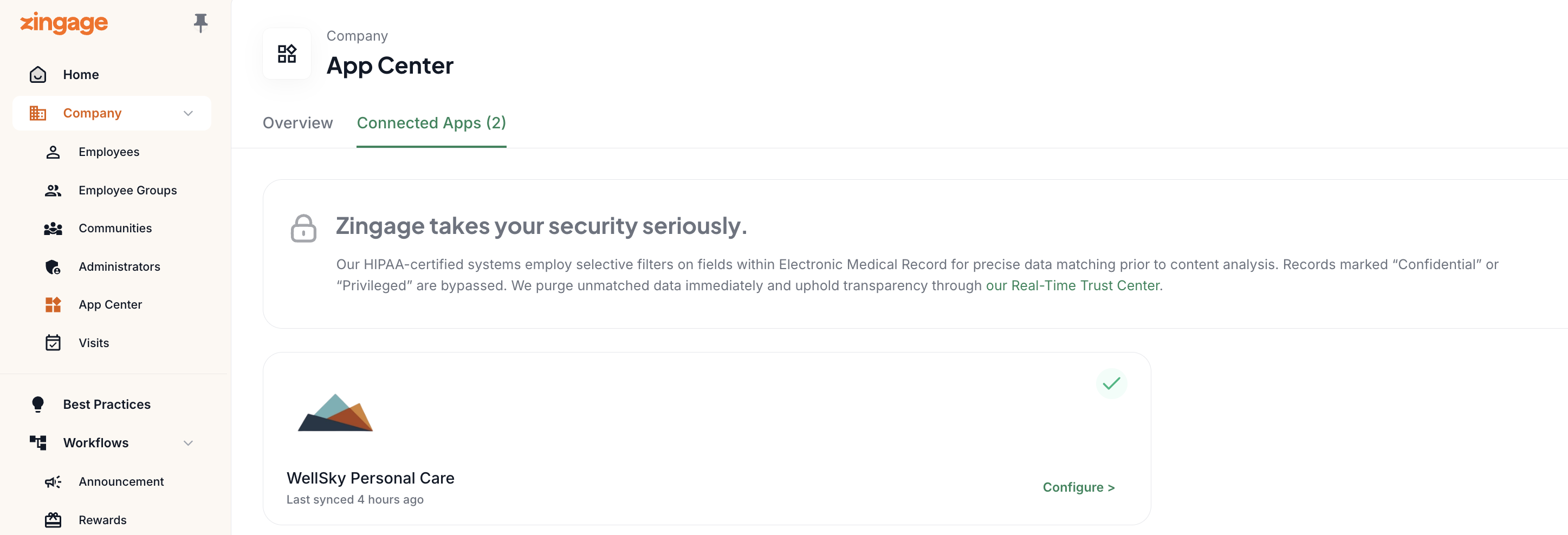
For WellSky integrations:
Navigate to Company > App Center > Connected Apps > WellSky Personal Care > Configure
You can also have auto spot reward configurations in Workflow > Rewards > Workflow and Automations > Scroll to WellSky Activity Rewards
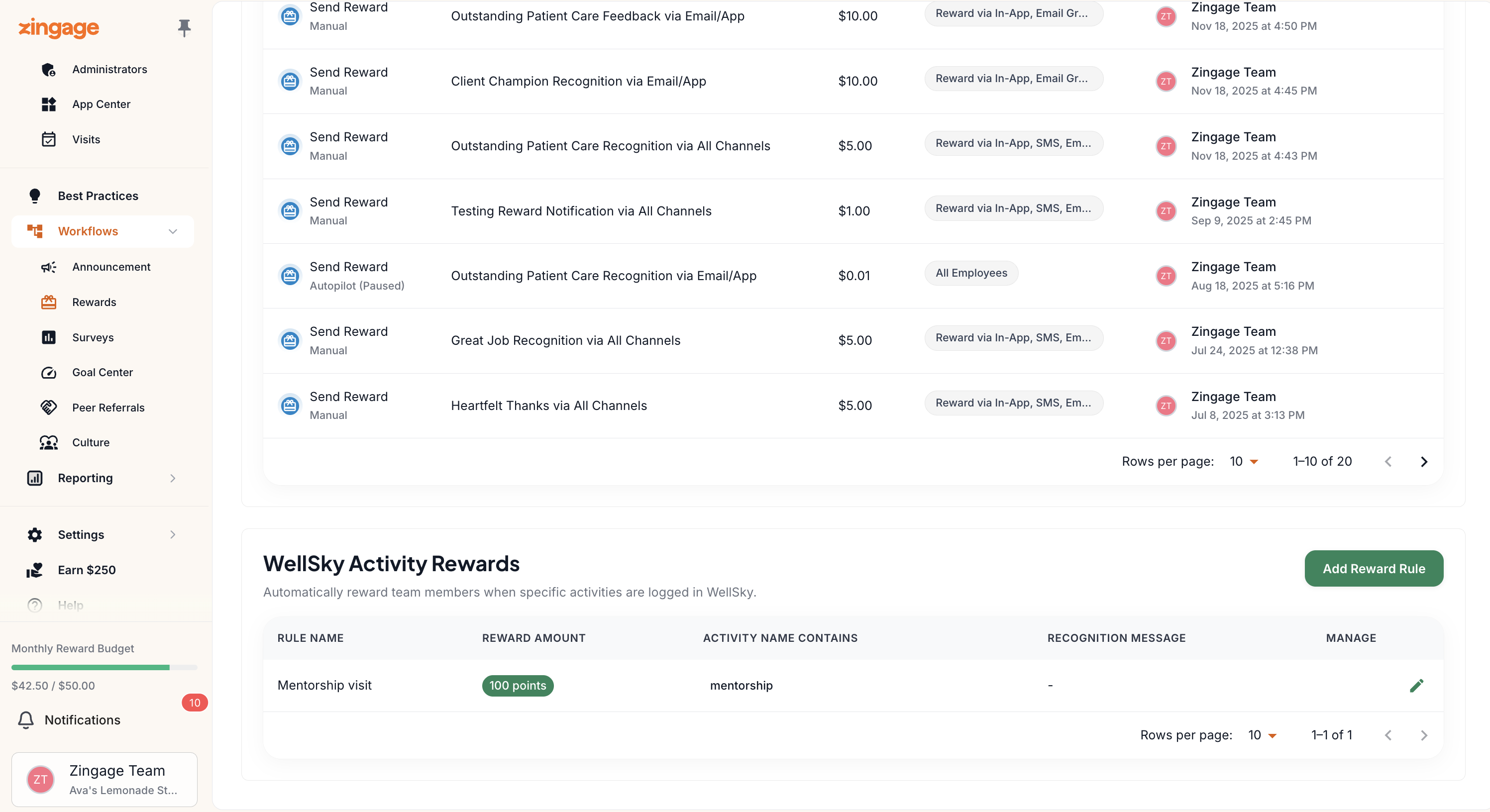
Using Activity Tags for Rewards
Activity tags can be used in two main ways:
Automatic Activity Rewards
You can set up automatic rewards based on specific activity tags. Only available for WellSky users. These settings are found under Workflows > Rewards > Workflows and Automation > (scroll) WellSky Activity Rewards.
Streak Reward Exclusions
Activity tags can also be used to exclude certain shifts from disqualifying streak rewards. By setting up call-out tags correctly in your Connected Apps settings, shifts with specific tracked call-out tags won't affect streak-based goals like Perfect Attendance.
Important Configuration Tips
When setting up activity tag mapping, make sure to copy and paste the tags exactly as they appear in your integrated system. This includes:
Spelling
Capitalization
Hyphens and underscores
Spacing
Exact matching is crucial to ensure the tag mapping functions properly and avoids any configuration issues.