How to View Employee Transactions for Gift Cards
Last updated: July 23, 2025
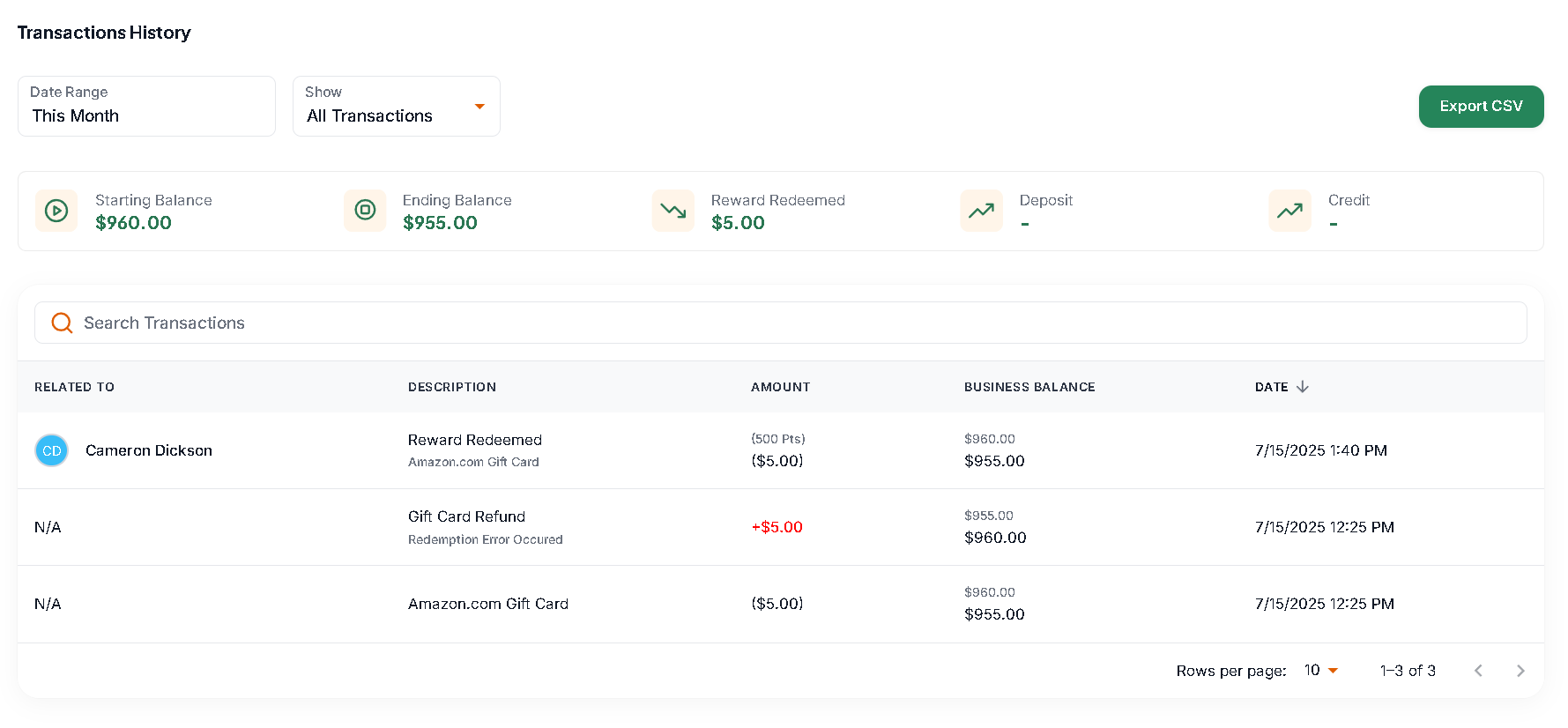
If you're looking for a detailed report showing your employee redemptions and what gift cards they redeemed:
Log in to your admin portal at https://my.joinava.com/.
Navigate to: Settings > Rewards Balance > and scroll down to the Transaction History
This section provides a detailed log of all employee activity related to points earned and gift card redemptions.
You can also export the data as a CSV file for easier review, filtering, or recordkeeping.