Set the Maximum Gift Card Value
Last updated: July 28, 2026
The maximum gift card value controls how much a caregiver can redeem in one gift-card transaction.
🎥Walkthrough: Set Maximum Gift Card Values
Configure the limit
Open Set Maximum Gift Card Values from the Basic Setup checklist.
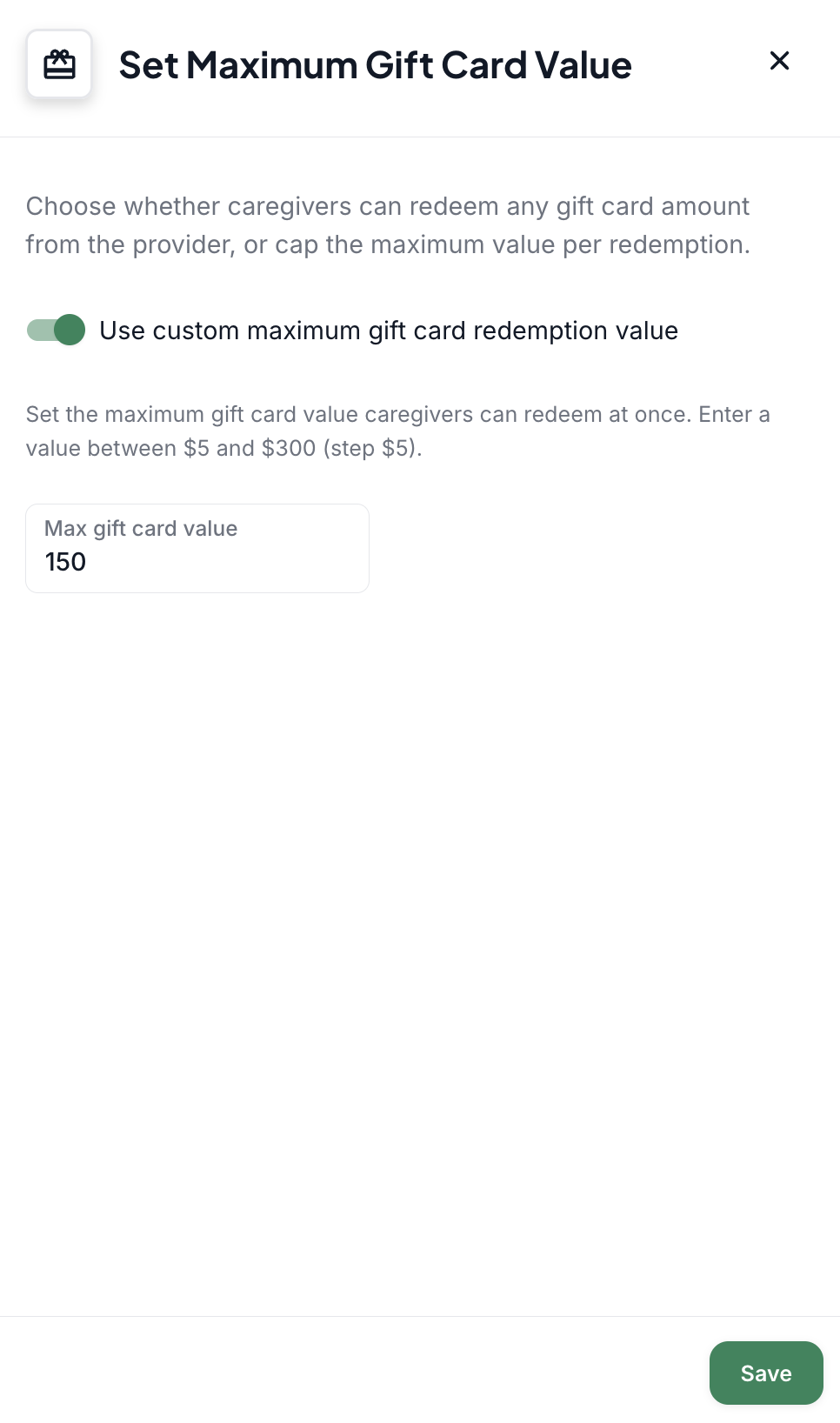
Keep the default value ($50) or turn on the custom setting.
Enter the maximum amount permitted for one gift-card redemption.
Select Save.
How the limit works
If the maximum is $50 and a caregiver wants to redeem $100, the caregiver must complete two $50 transactions.
If the maximum is increased to $150, a caregiver with $150 available may redeem it in one transaction.
Gift-card redemptions are available in $5 increments with the lowest allowed value of $5 and the maximum configurable value is $300.
Complete Basic Setup
After saving this setting, confirm that every item in the Basic Setup checklist is marked complete.
You can then continue to the Goal Center and workflow configuration.