How to Print Gift Card Barcodes
Last updated: October 1, 2025
If you're having trouble printing the barcode for your gift card, follow these steps to access and print it:
Accessing your gift card barcode
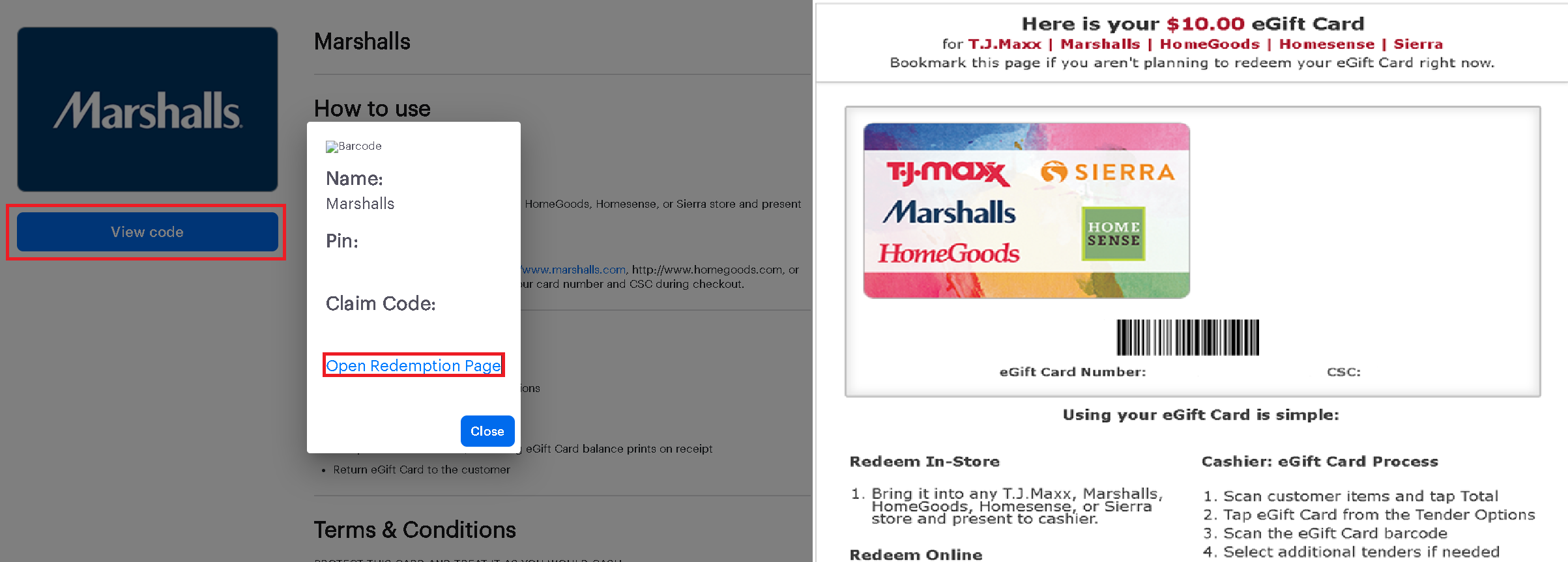
Go to the My Wallet section on Zingage by navigating to Store > My Wallet and clicking the link icon, or click the gift card link in your email.
When the gift card page loads, click View Code.
Select Open Redemption Page to display the barcode (if available).
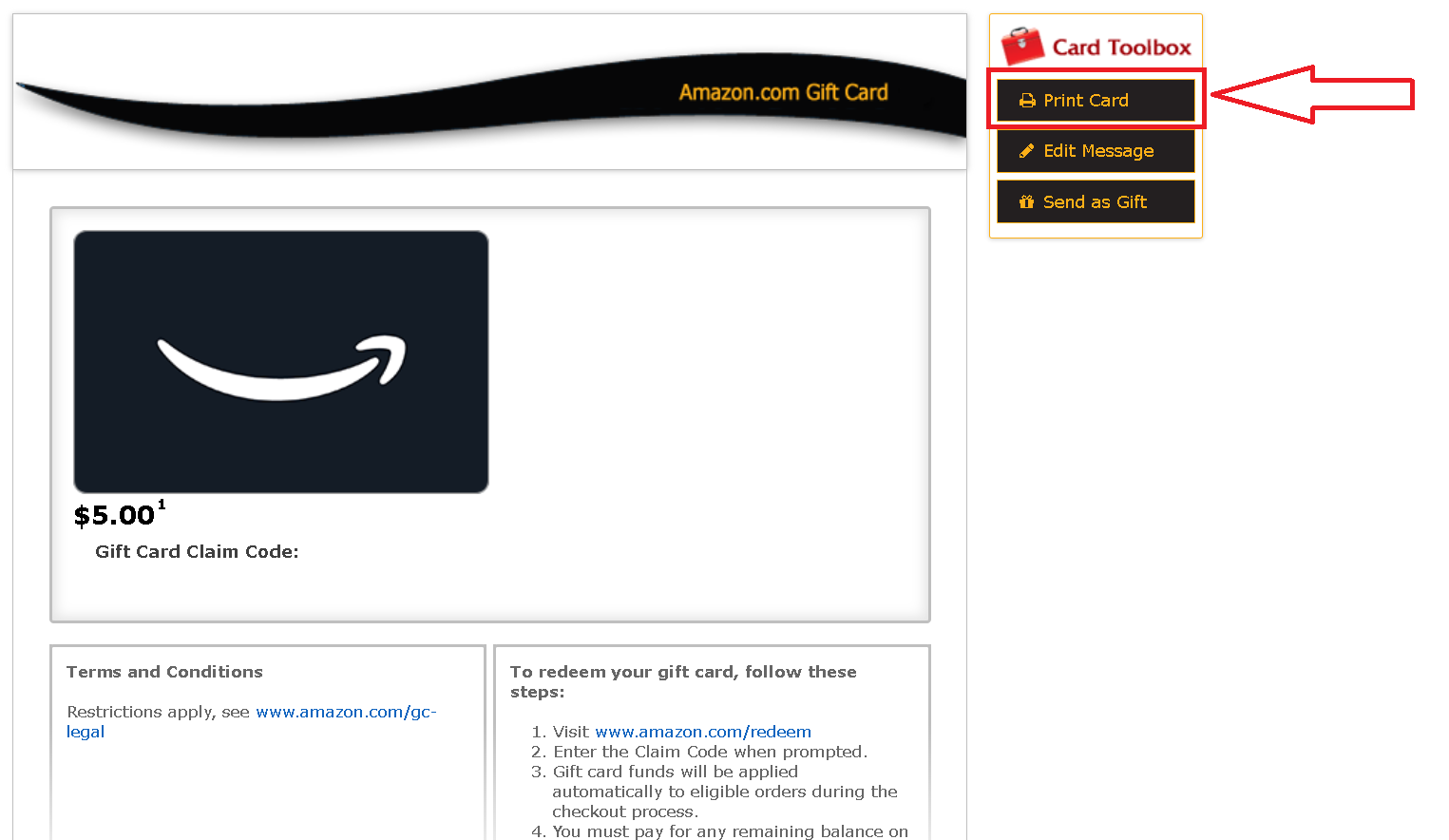
You can then print this page by clicking the print button or show it directly from your device at checkout.
Important note about barcode availability
Some gift cards do not have barcodes. In cases where a barcode is not available, the cashier can manually enter the card number and PIN, or you can use the gift card online at the merchant's website.
If you continue to experience issues with printing your gift card barcode, please contact our support team for further assistance.