Why don't I have any Bonus Activities or Tasks?
Last updated: June 19, 2026
If in the Bounties section, the orange 'Z' button on your app view (Depending on your agency, it might be your agency's logo at the bottom of the page between the Goals and Store tabs) looks like this:
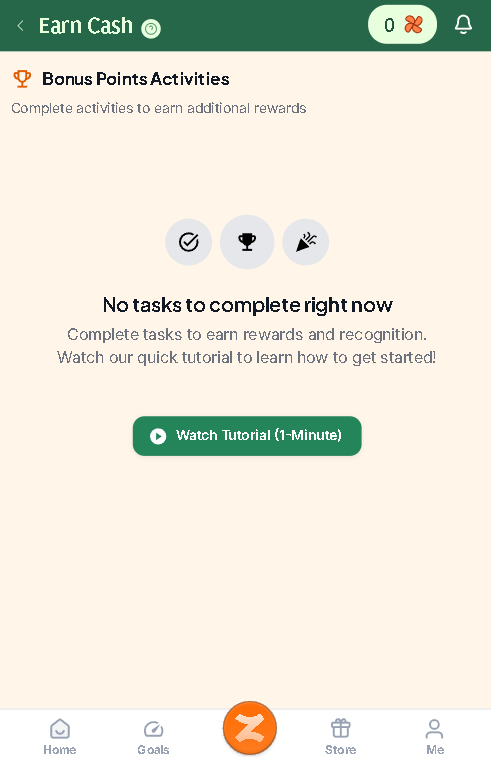
It means your agency has no activities or tasks available for you to complete at this time.
If this area was previously populated and the information disappeared, log out of Zingage and clear your browser data, restart your browser, device, or update your device. If that doesn't help, please let us know by contacting our support team.
If you're looking for your WellSky tasks, you can find any WellSky tasks on the WellSky app for your visits.