How Do I Reset My Password?
Last updated: November 16, 2026
If you'd like to log in to Zingage with a password, you can use the password you set up when you onboarded to Zingage.
If you've forgotten your password, you can reset it by
Going to https://my.joinava.com
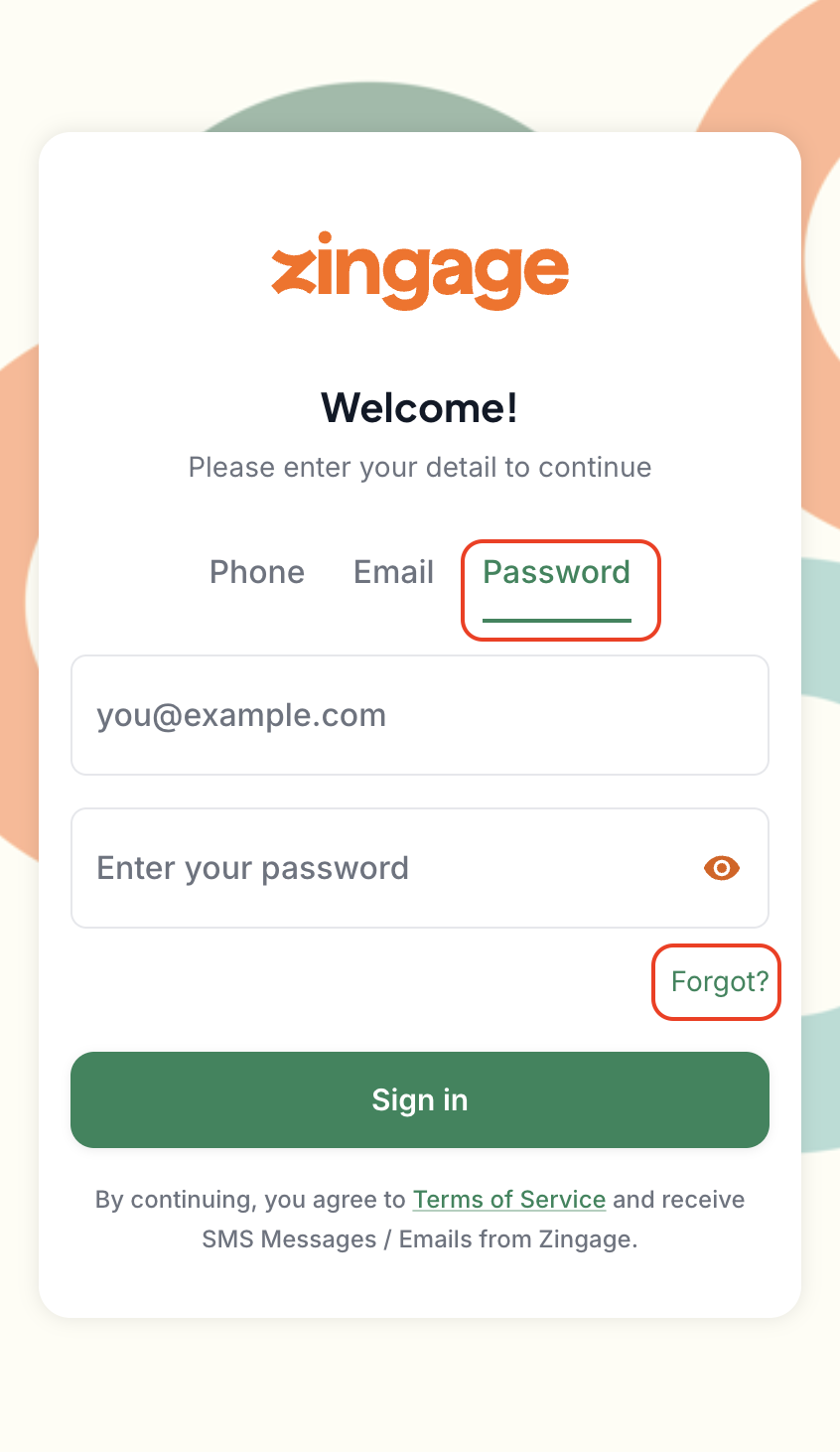
Clicking the 'Password' tab
Clicking the 'Forgot' button
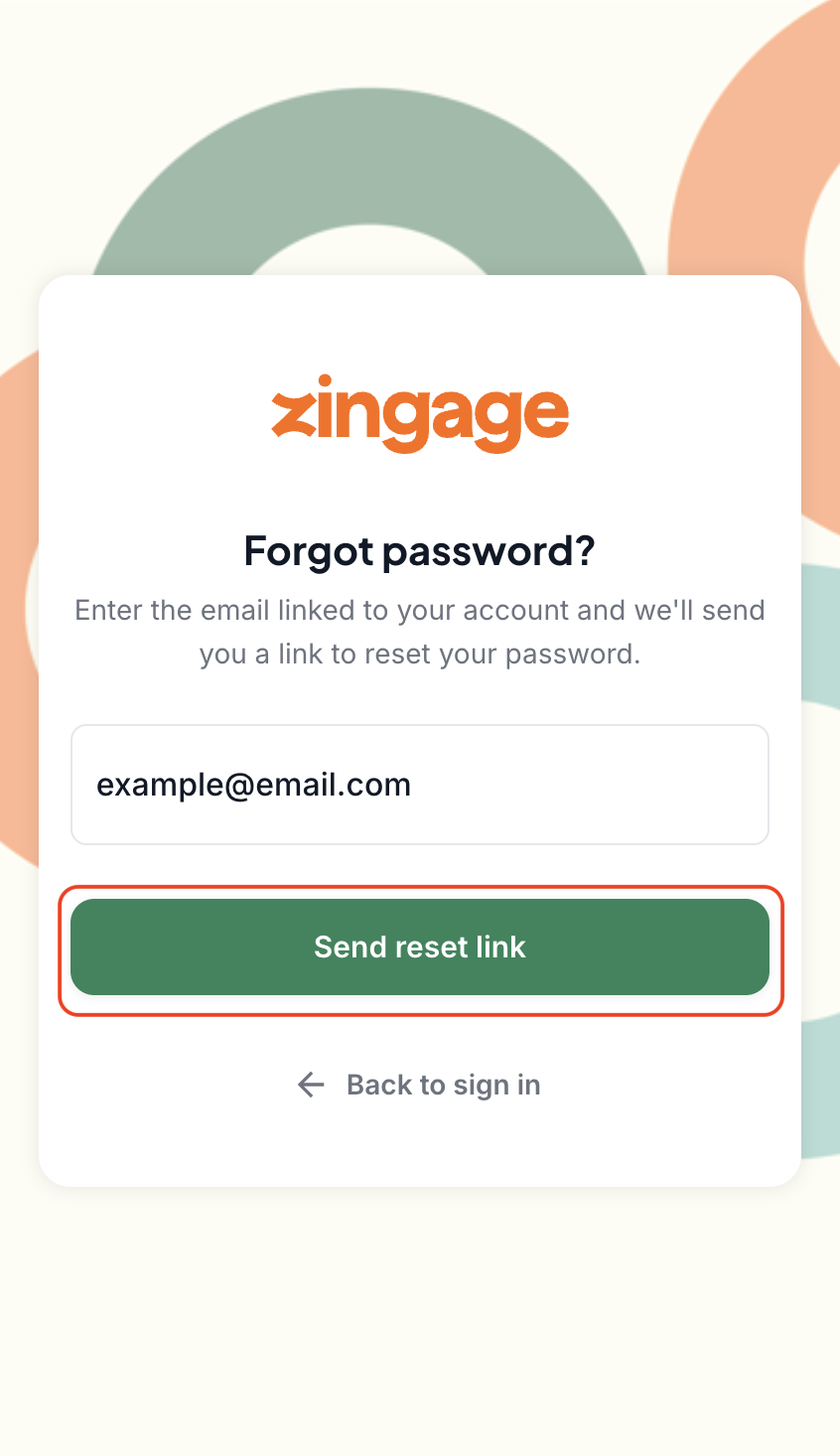
Enter your email and click the 'Send Reset Link' button
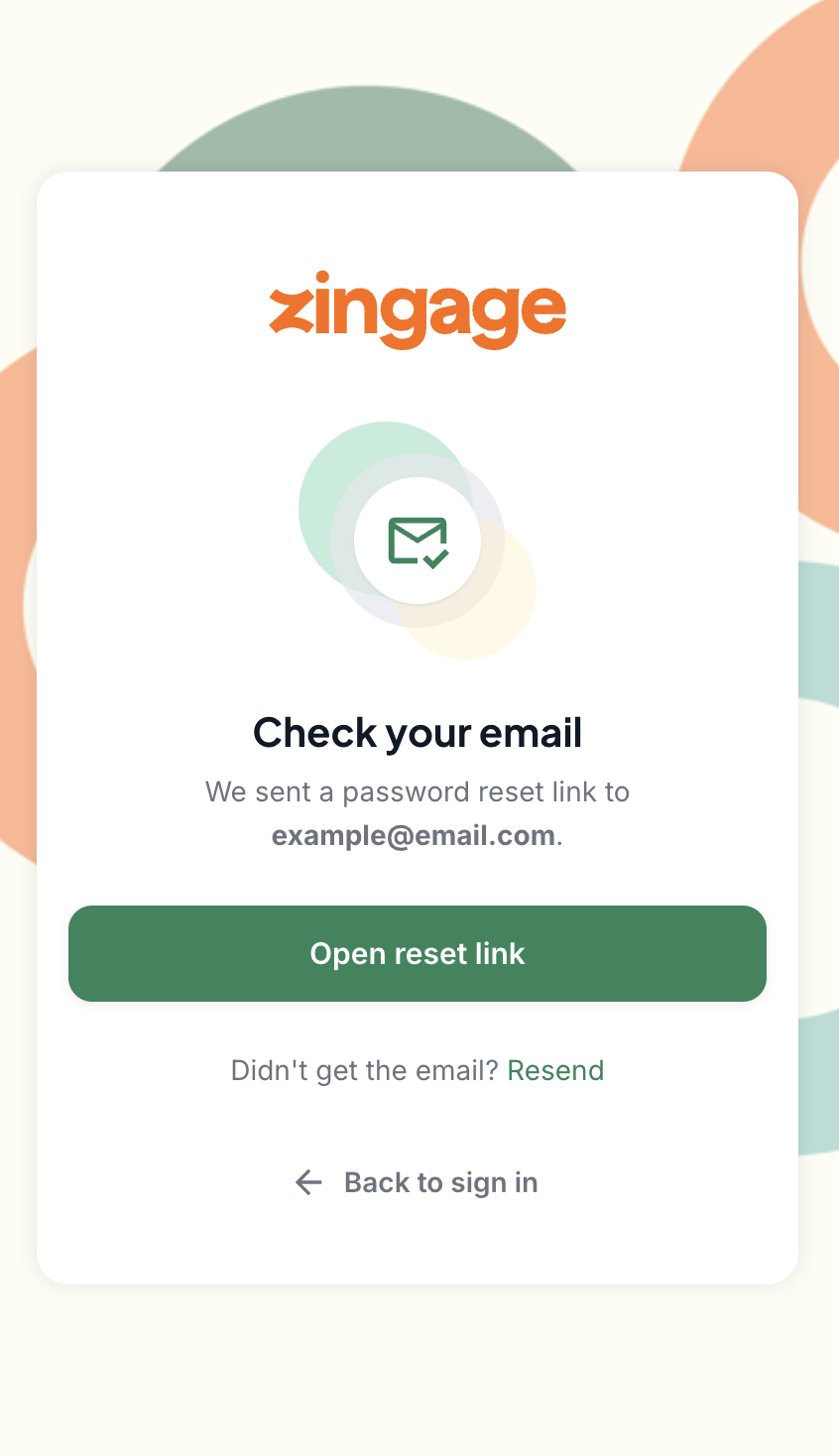
Check your email inbox, spam, or trash folder, or click the 'Open reset link' button
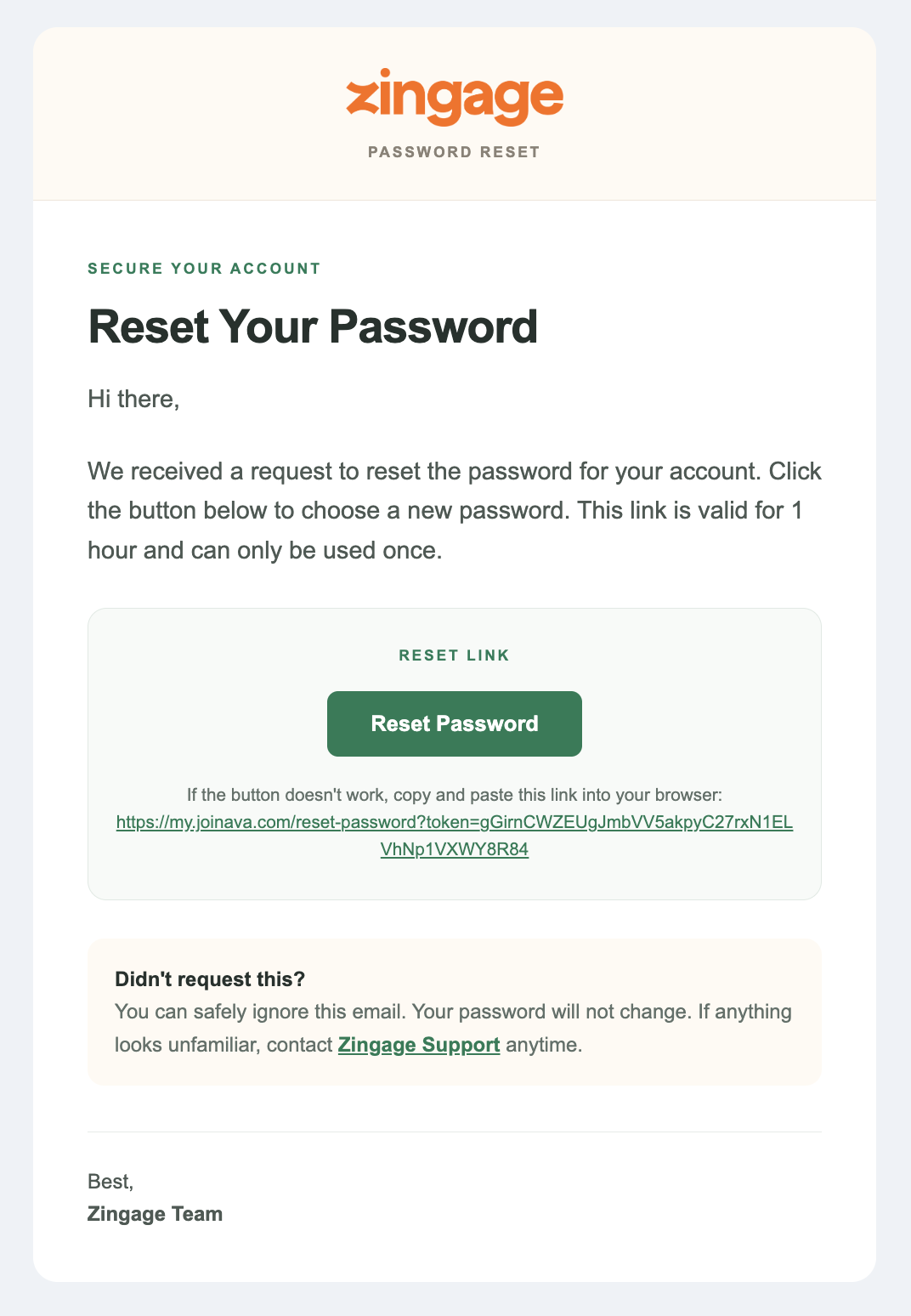
Click the 'Reset Password' button in the email or the link below it
Enter a new password, confirm that new password by retyping it in the second box, and click 'Reset Password'!
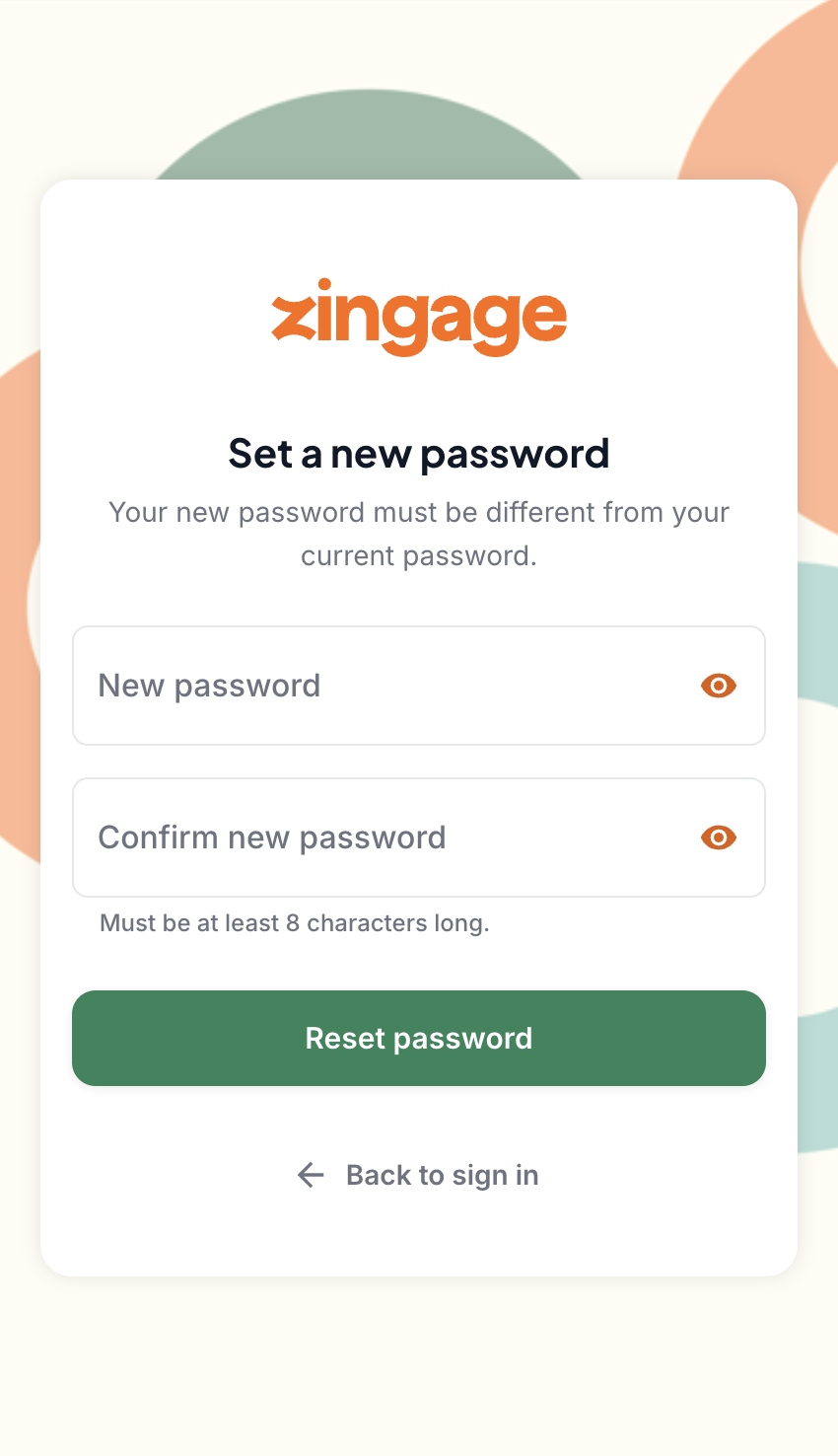
And that's it!
If you cannot reset your password, to log in, you must use your phone number or email address and the 4-digit code received by email or SMS moving forward.
🚫 Locked Out of Your Account?
Wait a few minutes and try again
If the issue continues, reset your password using the steps above
If you’ve tried logging in multiple times with the right password, your account may be inactive. Please contact us to be sure.
📧 Not Getting the Code or the Code is Wrong?
You may be using the previous code sent, which is outdated.
Restart your browser or clear the cache and cookies and try again.
Update your device and/or browser.
Try getting a better cellular service or wifi connection.
If none of that works, contact us and we’ll help confirm the right email and phone number are connected to your account, and you can try again.
🆕 Still New to Zingage?
If this is your first time using Zingage, make sure you’ve received your invitation link from your agency. You won’t be able to log in until your account is activated and invited to onboard.
💬 Need a Hand?
We’re happy to help — send us a message with your full name, email address, and a description of what’s happening. We’ll take it from there.