How do I find the Employee Handbook
Last updated: May 27, 2026
Your agency can upload the employee handbook to Zingage, which you can access on Zingage in the view profile section:
Click your avatar in the top right corner of the screen
Click View Profile
Scroll to the Employee Resources section
Click the Handbook
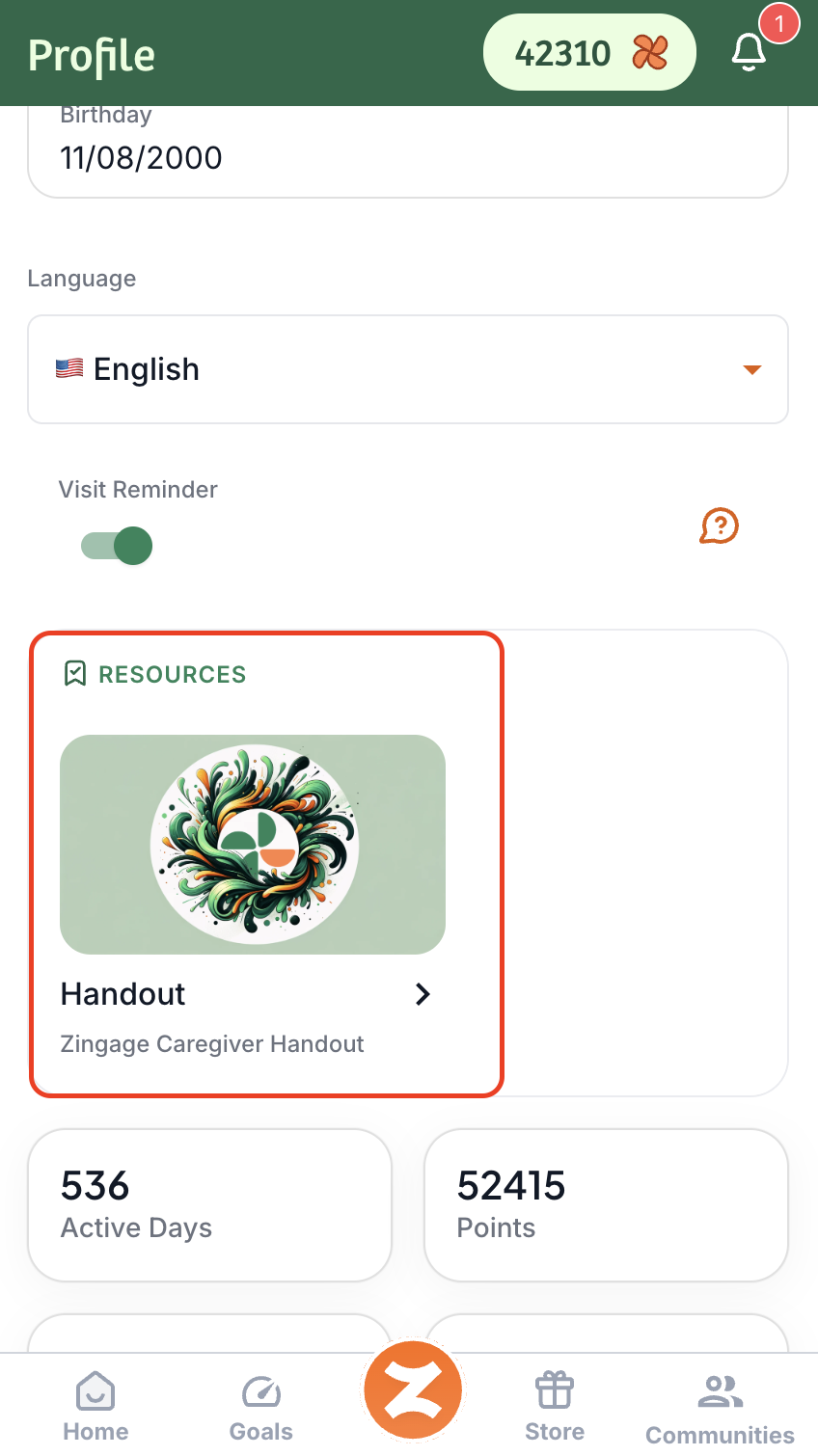
If there is no Employee Resources section, that means your agency has not uploaded the employee handbook, so you can contact them directly for a copy.
How to contact your agency admin
You can easily find your admin's contact information by following these steps. :
Go to Communities
Select Contact Admin
Click Copy Email to get your admin's email address
This may not be available on your end, so if you don't see the buttons in these steps, contact your admin by phone call.