Why don't I see points for a specific day's clock-in/clock-out?
Last updated: November 19, 2025
If you don't see points for a particular day's clock-in and clock-out activities, the points may have been awarded on the following day instead of the actual visit date.
How to check your point history
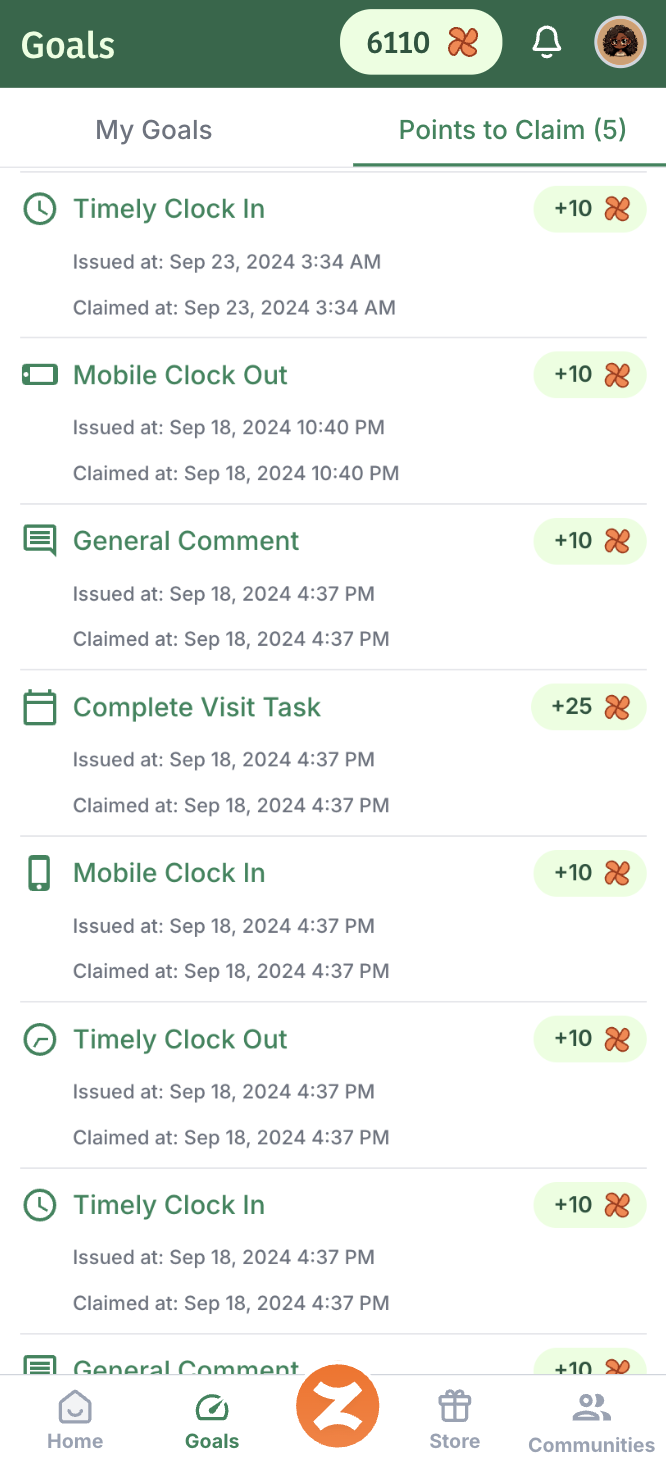
Points are sometimes processed and awarded the day after your visit. To verify if you received points for a specific day:
Look at the points for the day after your visit
Click on the entry "Point History" to see detailed information about when and why points were awarded, like this:
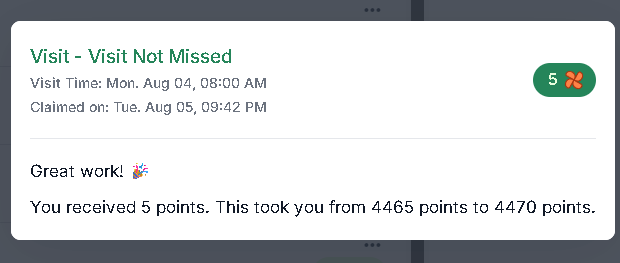
The point history will show you the specific details of your visit points, including the original date of the activity that earned the points.
This timing difference occurs due to how the system processes and awards points, but rest assured that your points are still being tracked and awarded correctly.