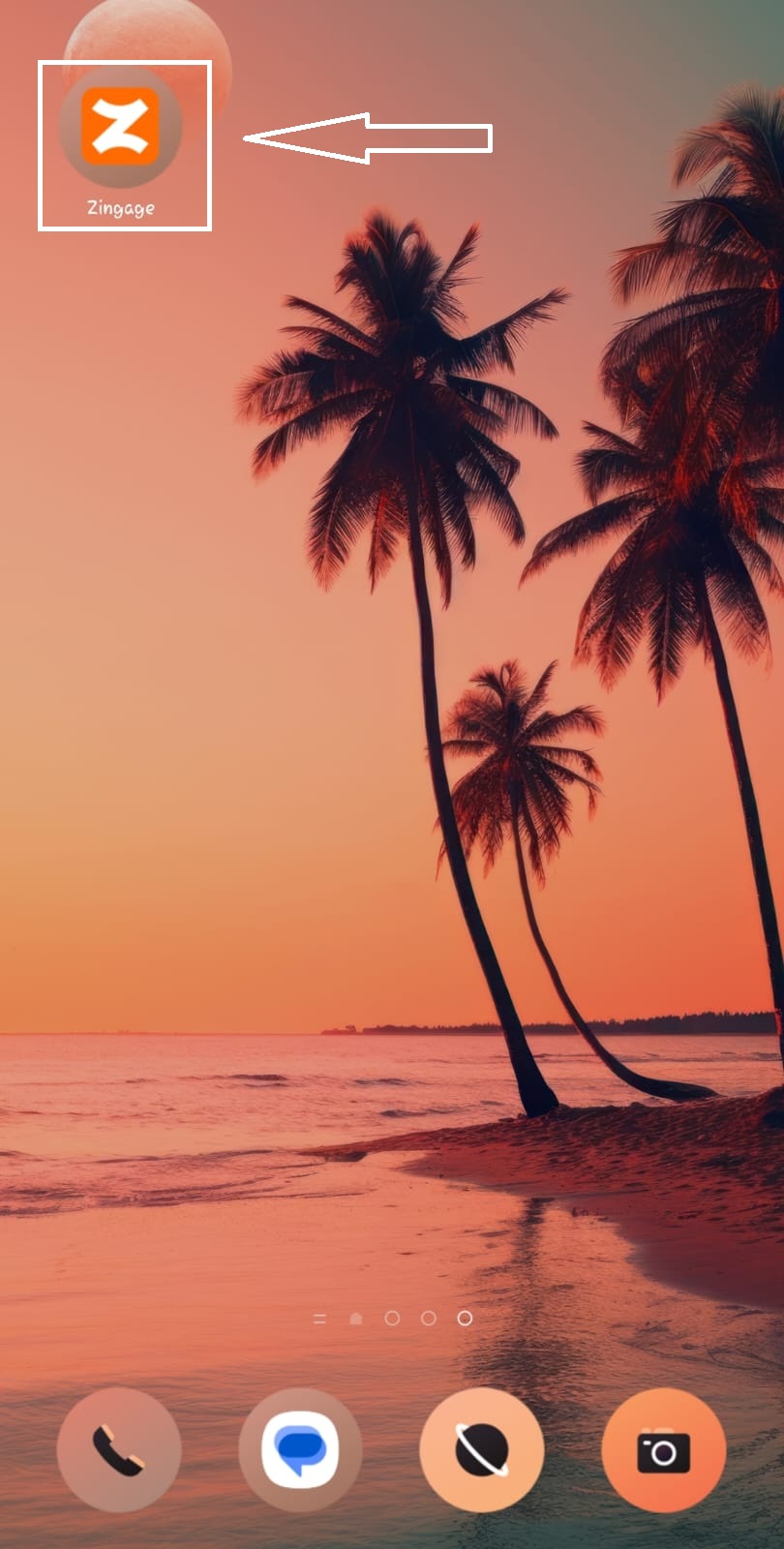
How Do I Add Zingage to My Home screen?
Last updated: November 23, 2025
Zingage is not an app that you can download from the Google Play Store, App Store, or Samsung Store.
We use a mobile-friendly website to give you access to your account. However, you can add the website to your phone's home screen to be able to access it quickly, like you would a normal app.
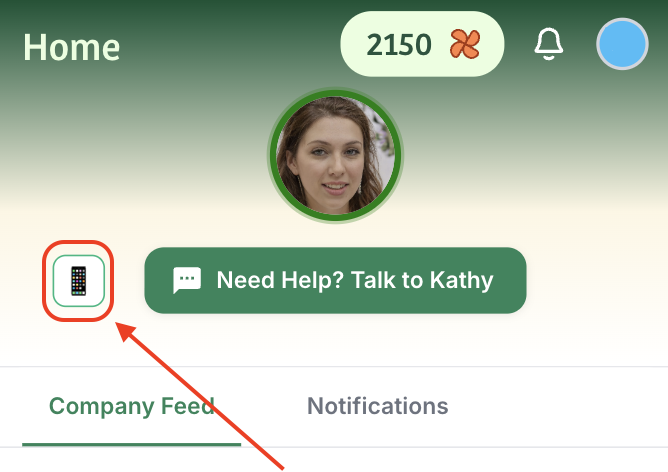
On Zingage, you can click the mobile app icon on the Home Tab to view a tutorial for your device:
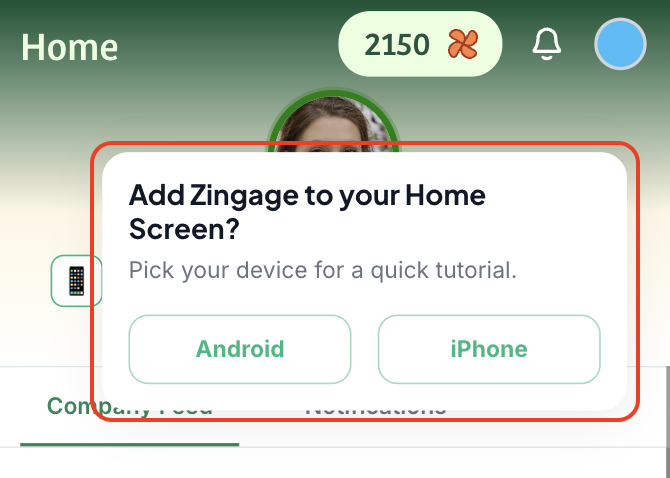
Since you're already here, here's how:
iPhone
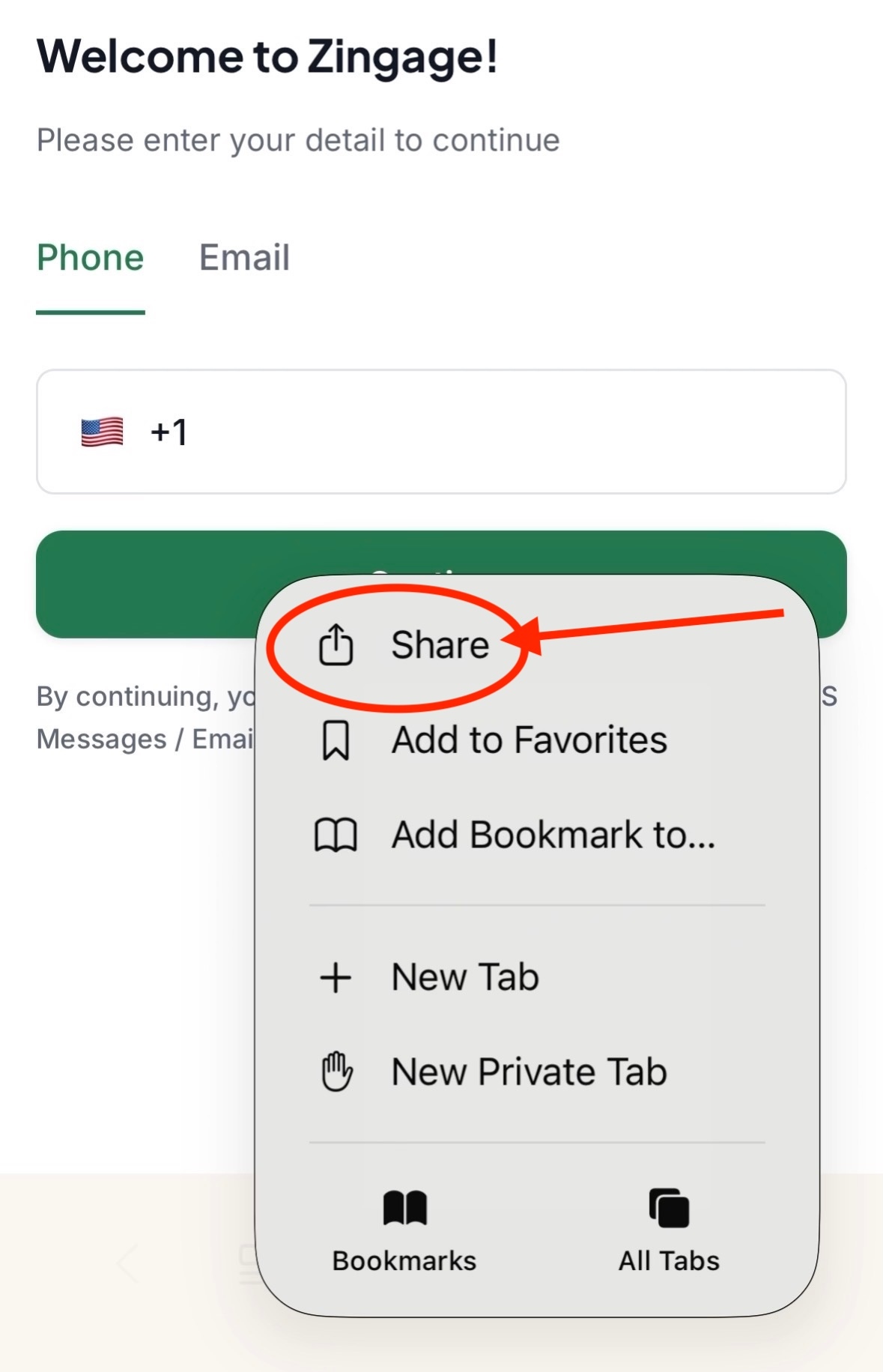
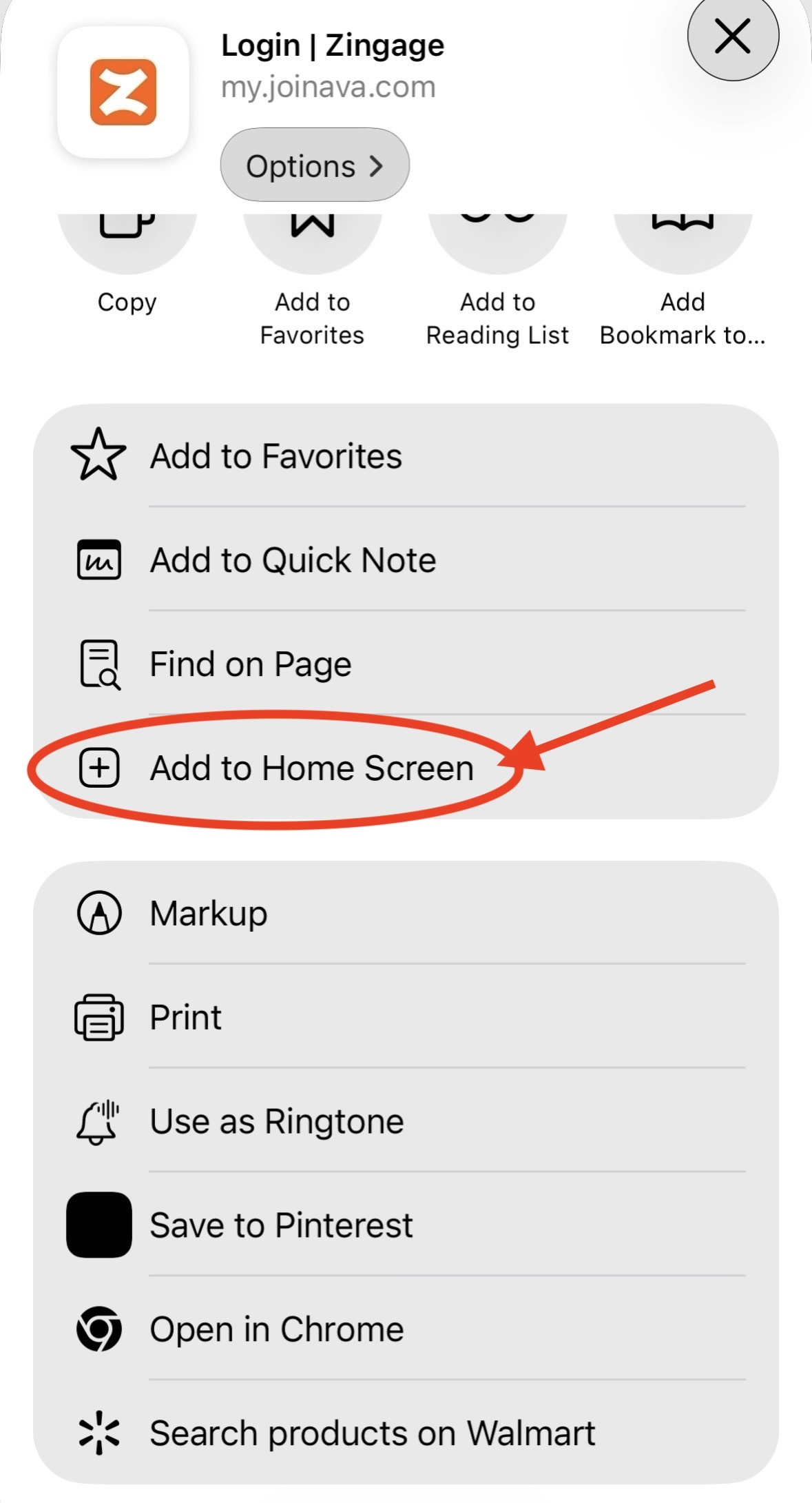
Click the three dots to the bottom of the page and click the share button (if you don't have three dots, click the share button to the bottom of your page)
On the second menu, scroll down and select the Add to home screen option
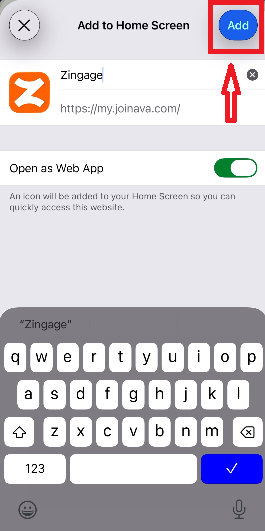
Click Add to the top right corner of the page:
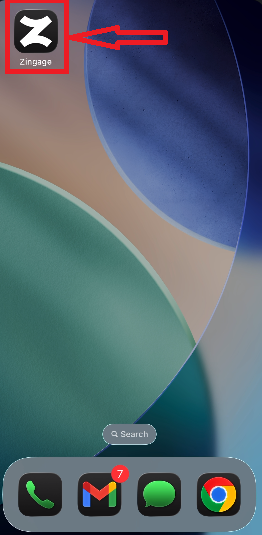
And that's it! You can now access Zingage like a normal app:
Android
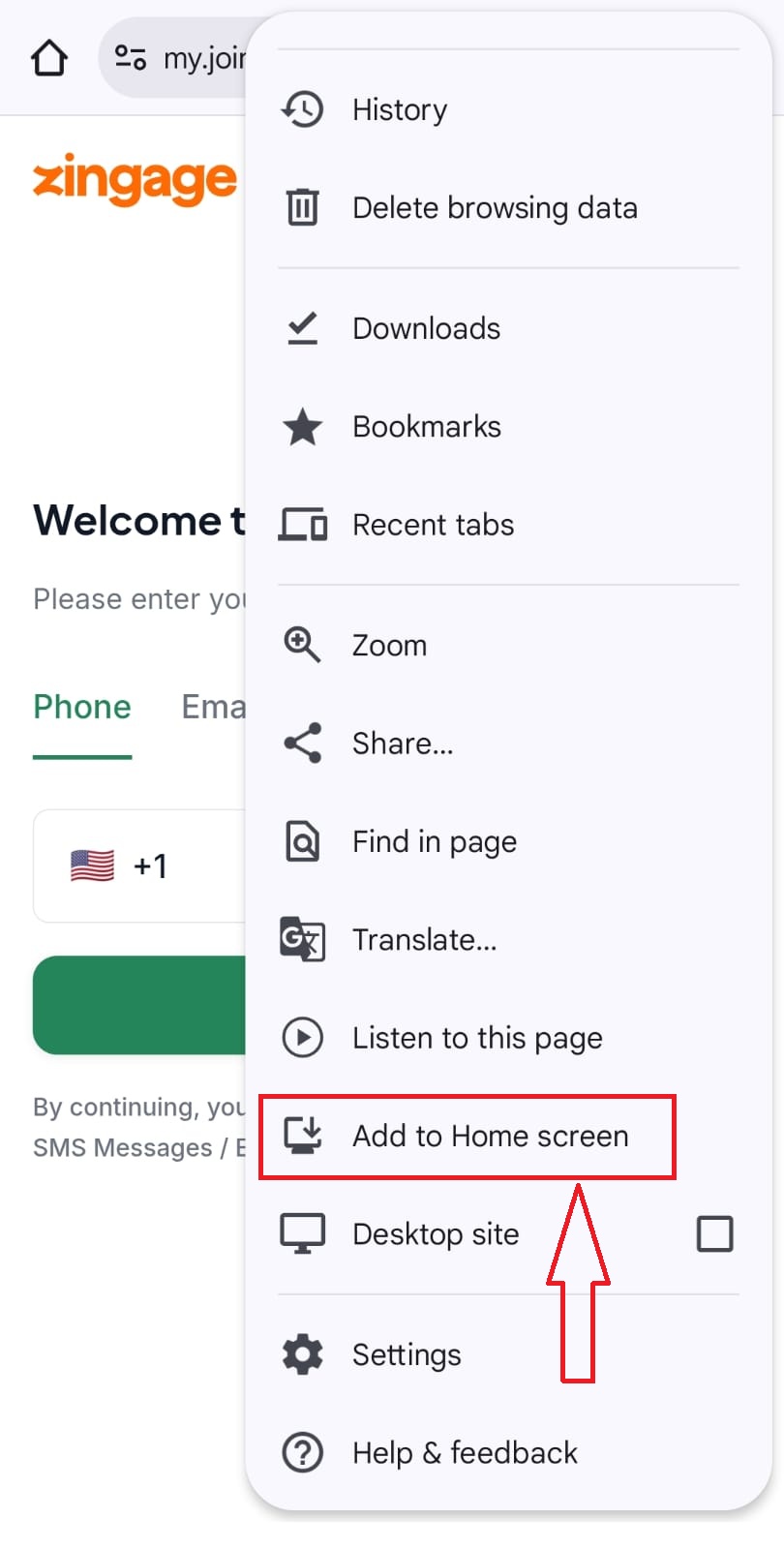
Click the three-dot menu to the top right of your browser:
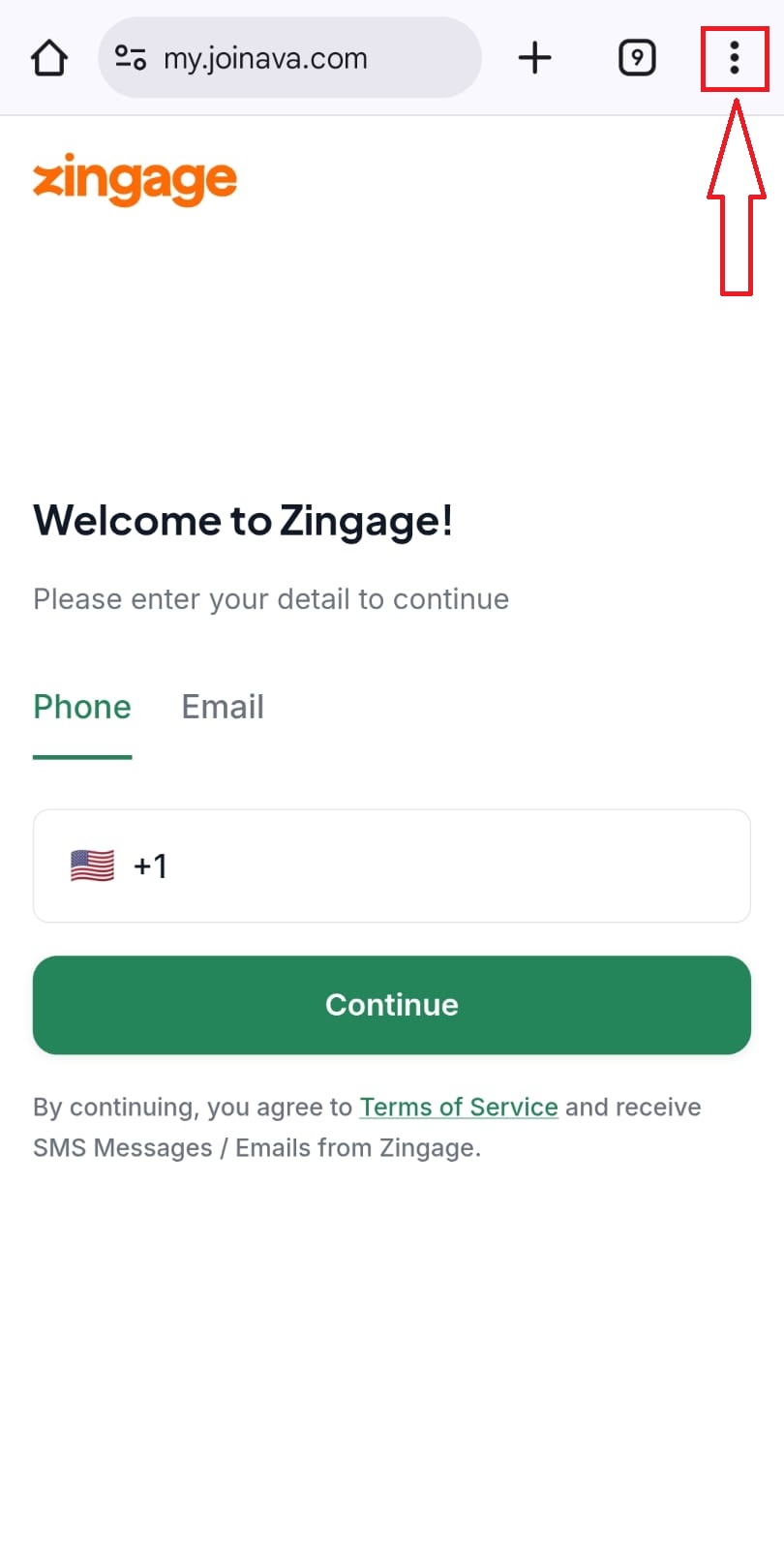
Scroll down and select the Add to Home screen option:
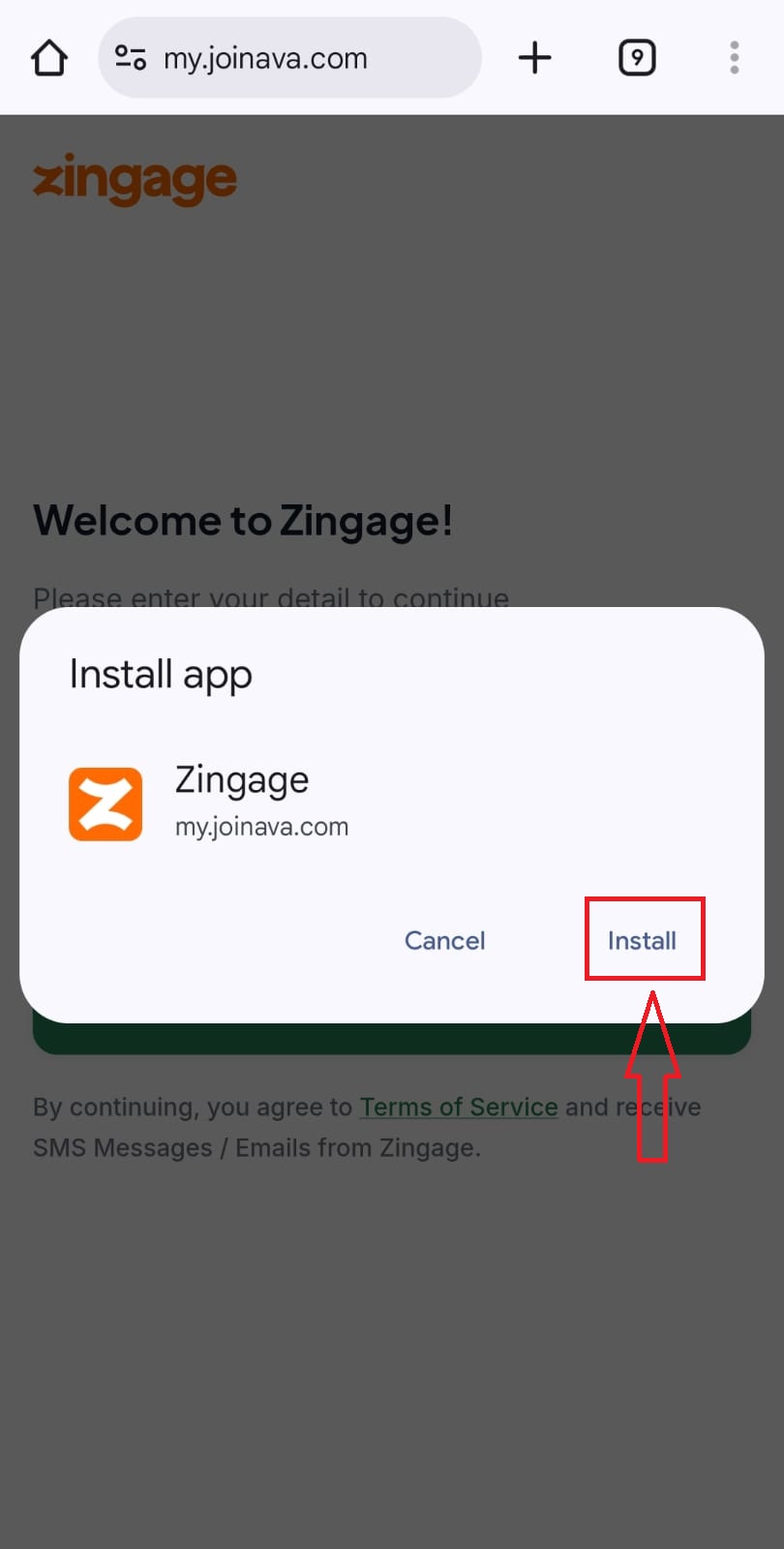
Hit Install on the pop up:
Find the app on your home screen or app drawer: