Where do I find the Survey?
Last updated: June 19, 2026
Regardless of the survey you're looking for, all surveys sent by your agency are found in the Bounties section of Zingage. To find the survey in Zingage:
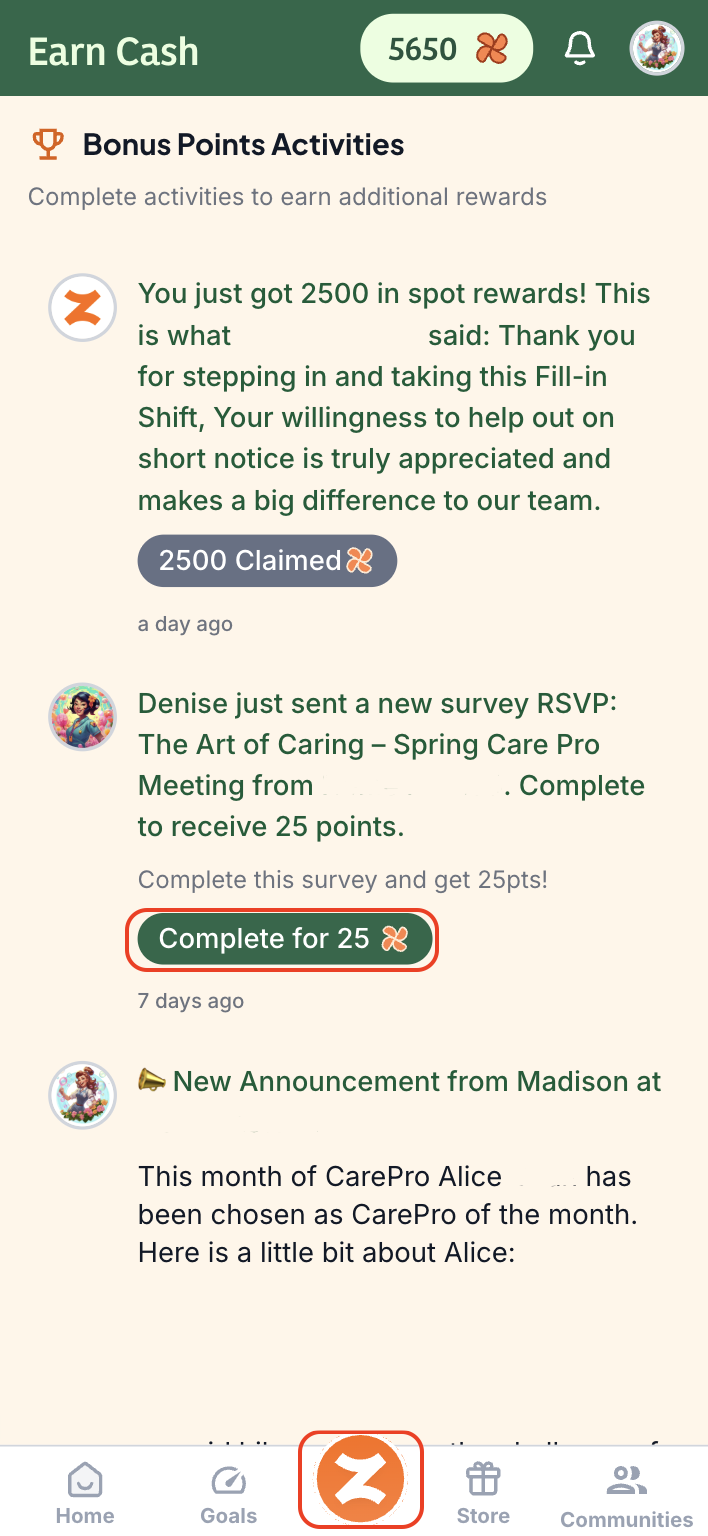
First, tap the orange Z icon at the bottom of your screen to open the Bounties section. (Depending on your agency, it might be your agency's logo at the bottom of the page between the Goals and Store tabs)
Next, scroll down until you see the green Complete button to complete the survey.
After you complete the survey, if your agency has set up a reward, the points will be added automatically for you.