Why can't I redeem my reward points for gift cards?
Last updated: November 16, 2026
When attempting to redeem points for gift cards, you may sometimes see error messages or be unable to complete the redemption. Here are the most common reasons and what to do:
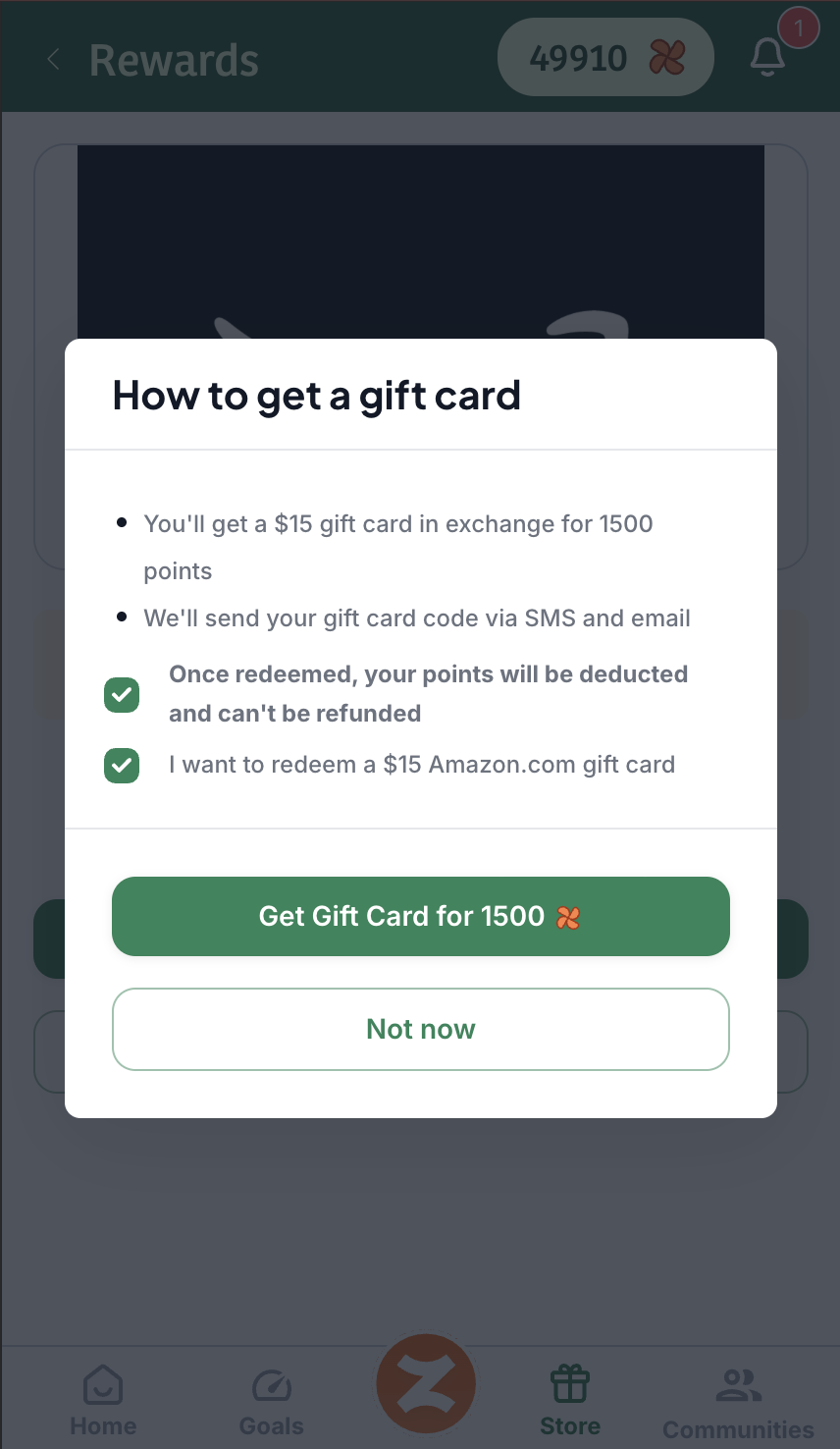
The Redemption Check Mark has not been marked
To proceed with redeeming, the check mark must be checked to proceed with finalizing the gift card purchase. This ensures that redemptions are not made mistakenly and gives the caregiver a chance to make sure the gift card they are about to redeem is exactly what they want to redeem.
Monthly Budget Limit Reached
If you see a message indicating "Reward limit reached" or "Budget limit reached", this means your agency has used up its allocated monthly budget for gift card redemptions. Each agency controls and sets its own monthly budget for gift card redemptions. It looks like this:
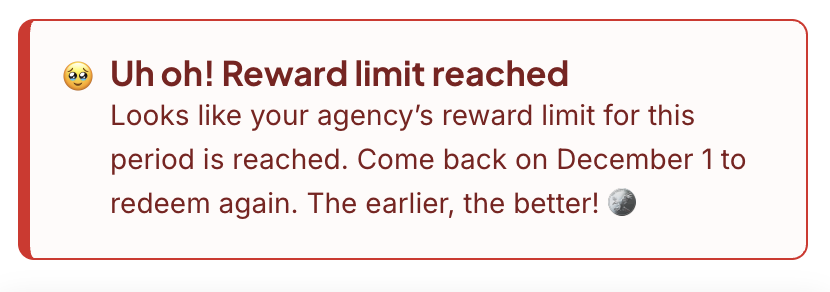
When this happens:
Your points are still safe and available - they are not lost
Wait until the start of the next month when the budget resets
Try to redeem within the first 3 days of the month for the best availability
Unable to Redeem Message
Sometimes, you may see a message that says:
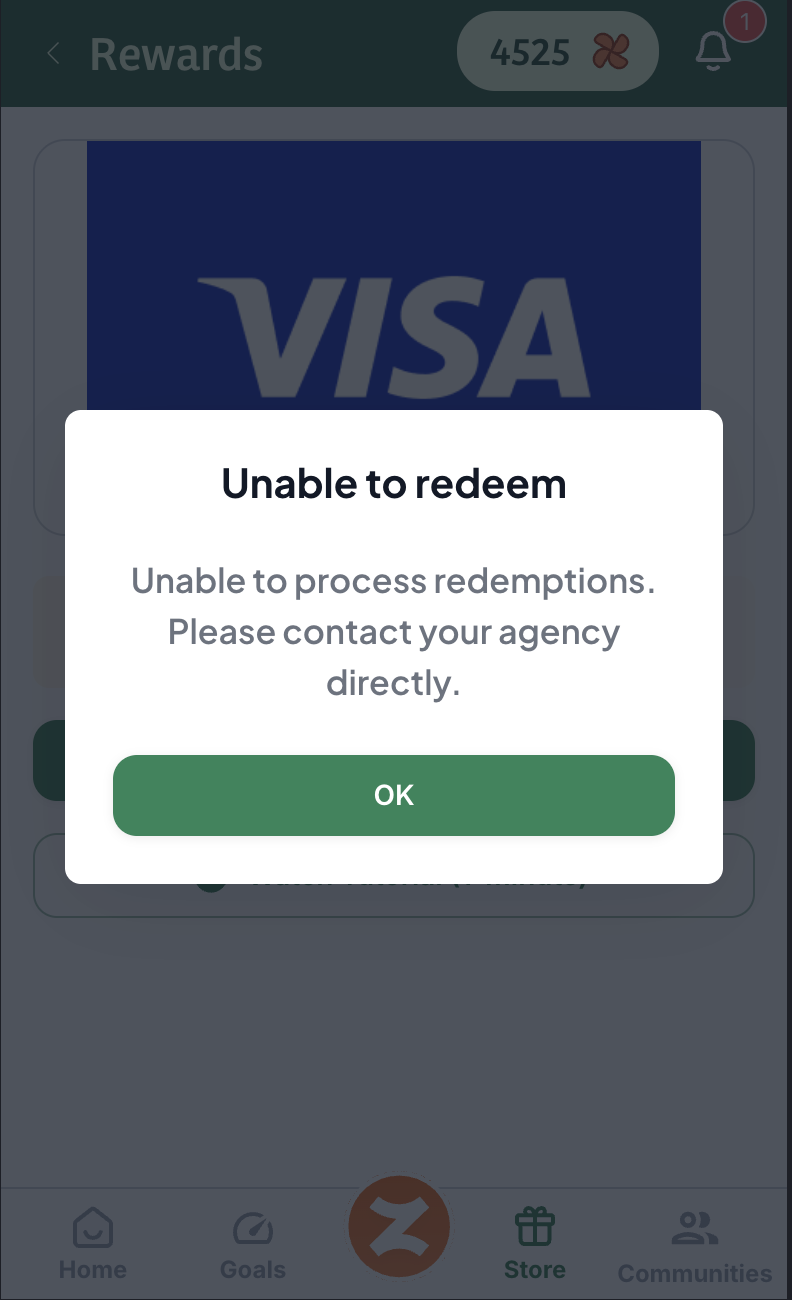
This is not a technical error and doesn’t mean your points are not working! It simply means your agency’s gift card wallet is out of funds. Please contact your agency to let them know. Since your agency handles adding funds to Zingage for redemptions, they'll be the ones to resolve the issue on their end.
Insufficient Points
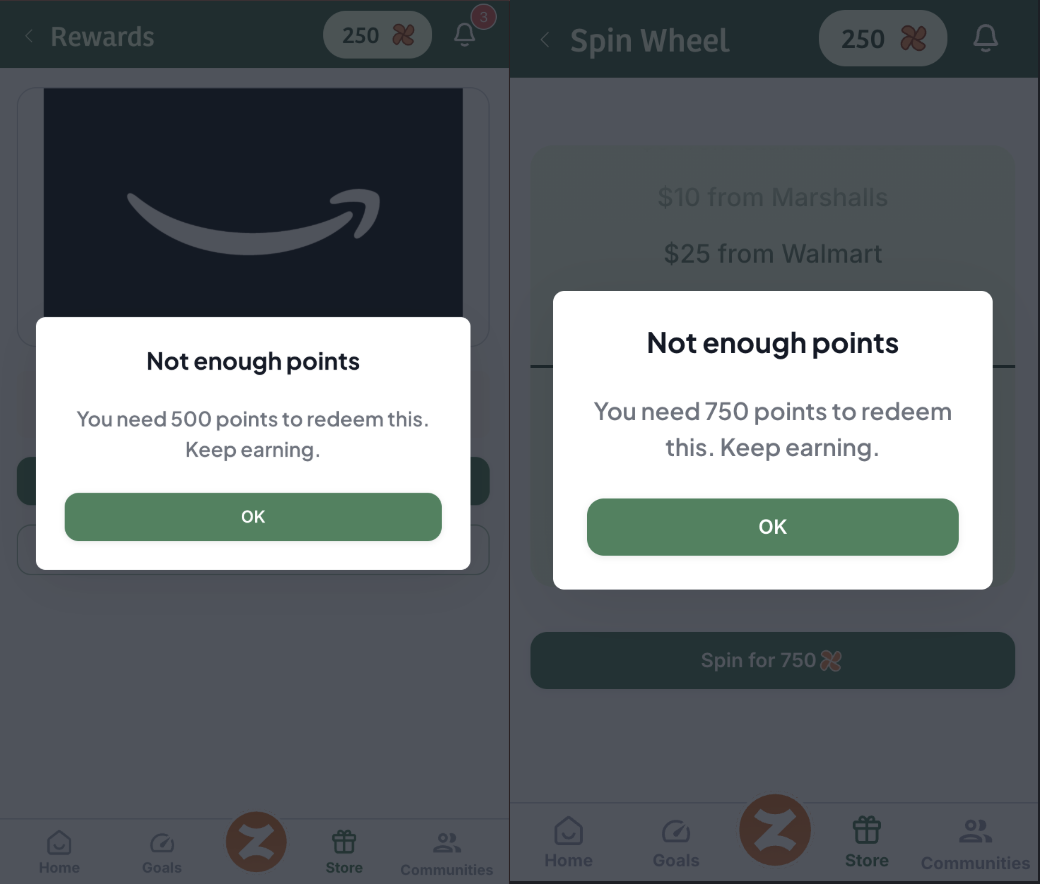
If you have less than 500 points in your balance and try to redeem a gift card, or you have less than 750 points in your balance and try to Spin the Wheel, you will receive this message:
To redeem gift cards:
You need a minimum of 500 points for a $5 gift card and a minimum of 750 points to Spin the Wheel.
The maximum gift card value is $50 (5,000 points) but may be more depending on your agency's settings.
If your agency's cap is $50 and you'd like to redeem a larger amount, you'll need to do multiple transactions of $50 or less.
Technical Error (Please try again...)
If you see "Oops, Please try again later" when trying to redeem:
If the error persists, it may indicate an issue with your agency's payment method or wallet that needs to be resolved
Try refreshing the page and attempting the redemption again
Contact support if the issue continues
Point Expiration
Points on Zingage don’t expire automatically, but they can expire if your agency chooses to reset them. Your agency owner/admin is free to schedule a point expiration or reset at their chosen time. You can keep earning points throughout the year; however, once a reset is performed, points from the selected year are removed from your balance. For details about if/when your agency plans to reset points, please contact your agency directly—they’re the best source for the exact policy and timing.
Tip: For the best chance of successful redemption, try to redeem your points within the first 3 days of each month when the agency's budget typically resets.