Caregiver Invitation & Engagement Guide
Last updated: June 2, 2025
What happens when caregivers are invited?
When you invite caregivers to join the platform, they receive both an email and SMS notification with instructions. The entire account setup process takes less than 60 seconds to complete once they click the "Set Up My Account" button.
Pro Tip: Let caregivers know in advance to expect these messages to improve your acceptance rate.
Here is a video walking through what the flow looks like for caregivers when your agency invites them.
What does the caregiver experience look like?
Watch this video, and feel free to send it to your office staff and caregivers!
https://www.youtube.com/watch?v=ek3fQcMZCjc
What does
Communication Channels
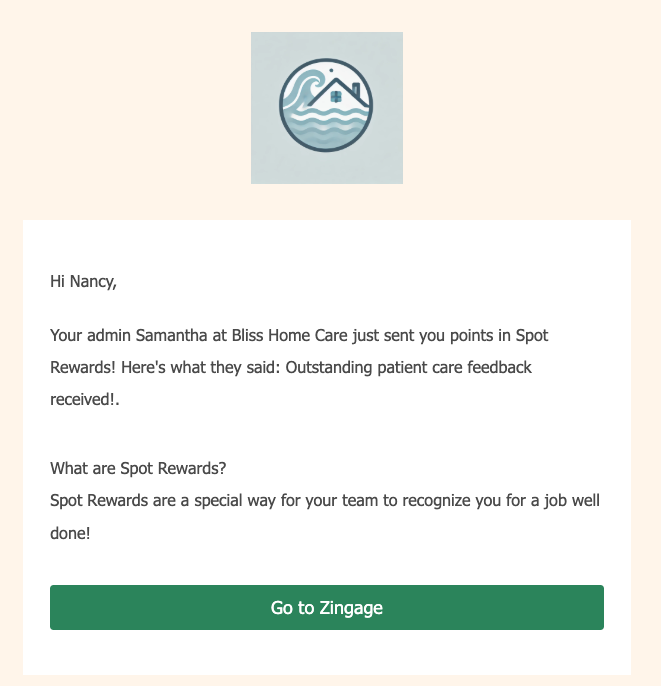
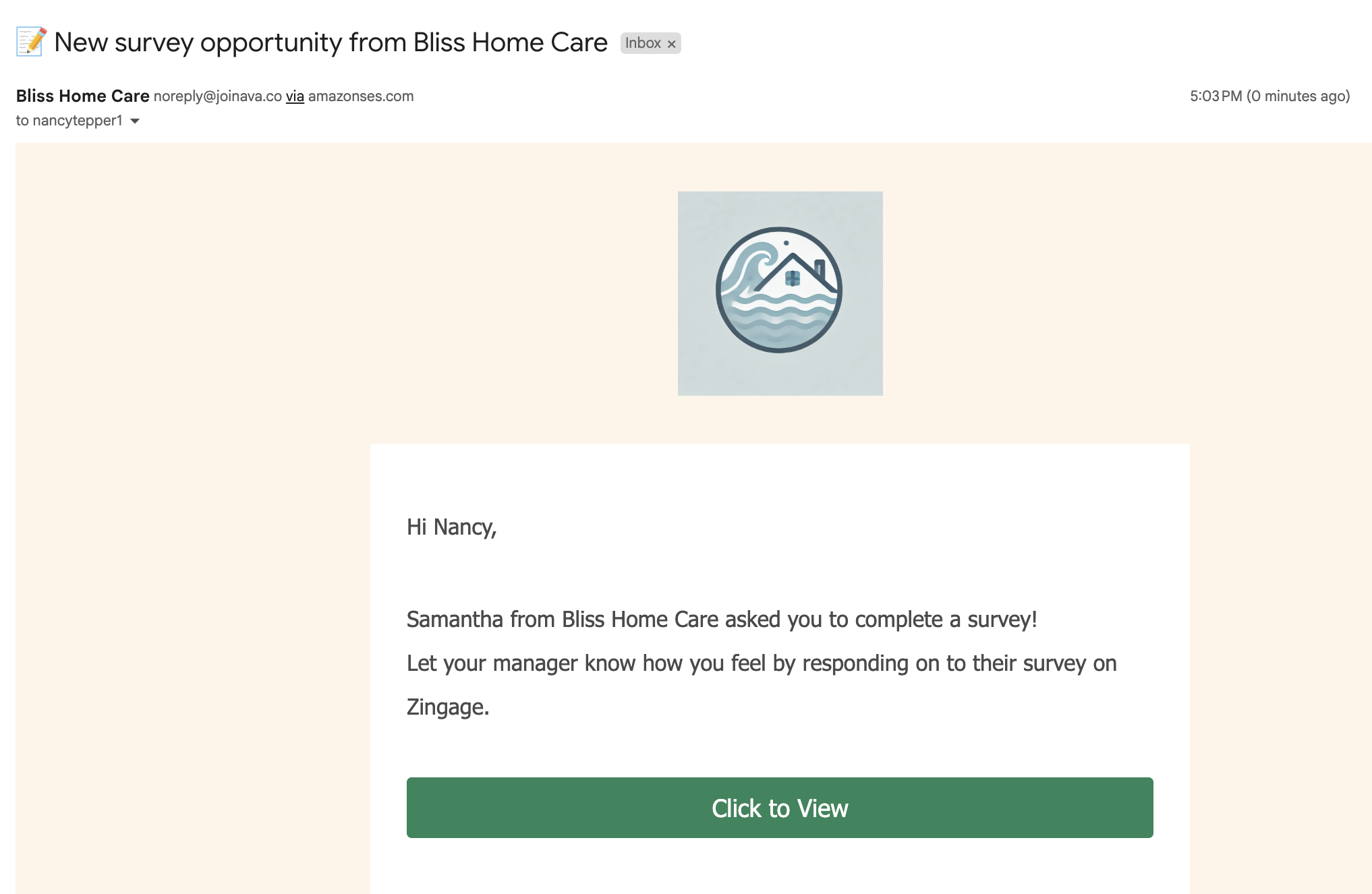
Caregivers receive notifications through multiple channels (in-app and/or email and/or SMS), depending on your workflow configuration.
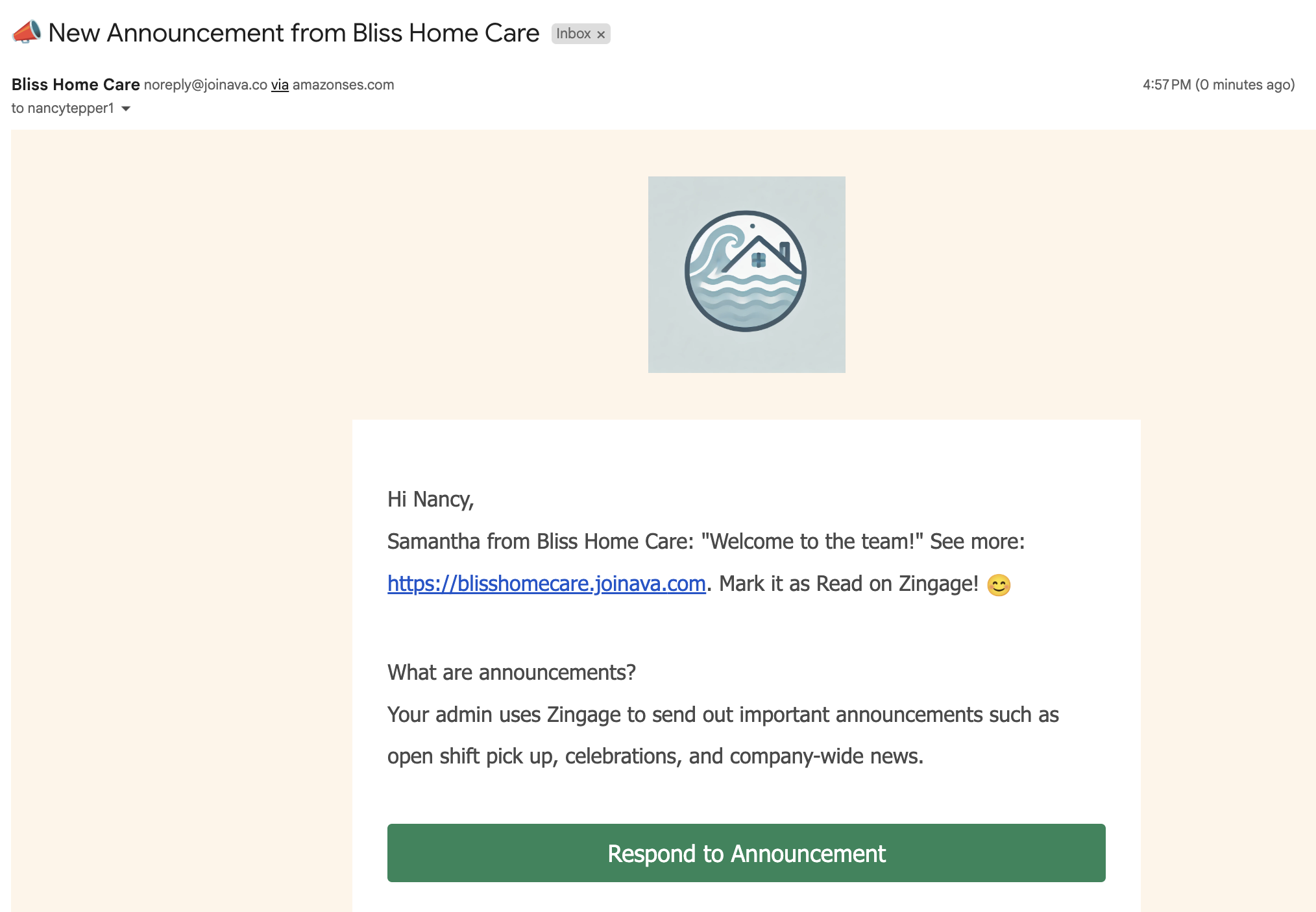
Caregivers receive announcements via SMS and/or email based on your communication settings. If "Create a Social Post" is toggled on, announcements will also appear in their social feed, increasing visibility and engagement.
A few examples of emails:
Note: SMS messages are intentionally shorter than emails but contain the same essential information and links.