How to add Zingage as an icon on your desktop
Last updated: September 16, 2025
You can easily add Zingage as an icon on your desktop by creating a shortcut to the website. Here are the methods for different operating systems:
On Windows
Open your browser and go to https://my.joinava.com
Drag the URL from the address bar directly to your desktop to create a shortcut
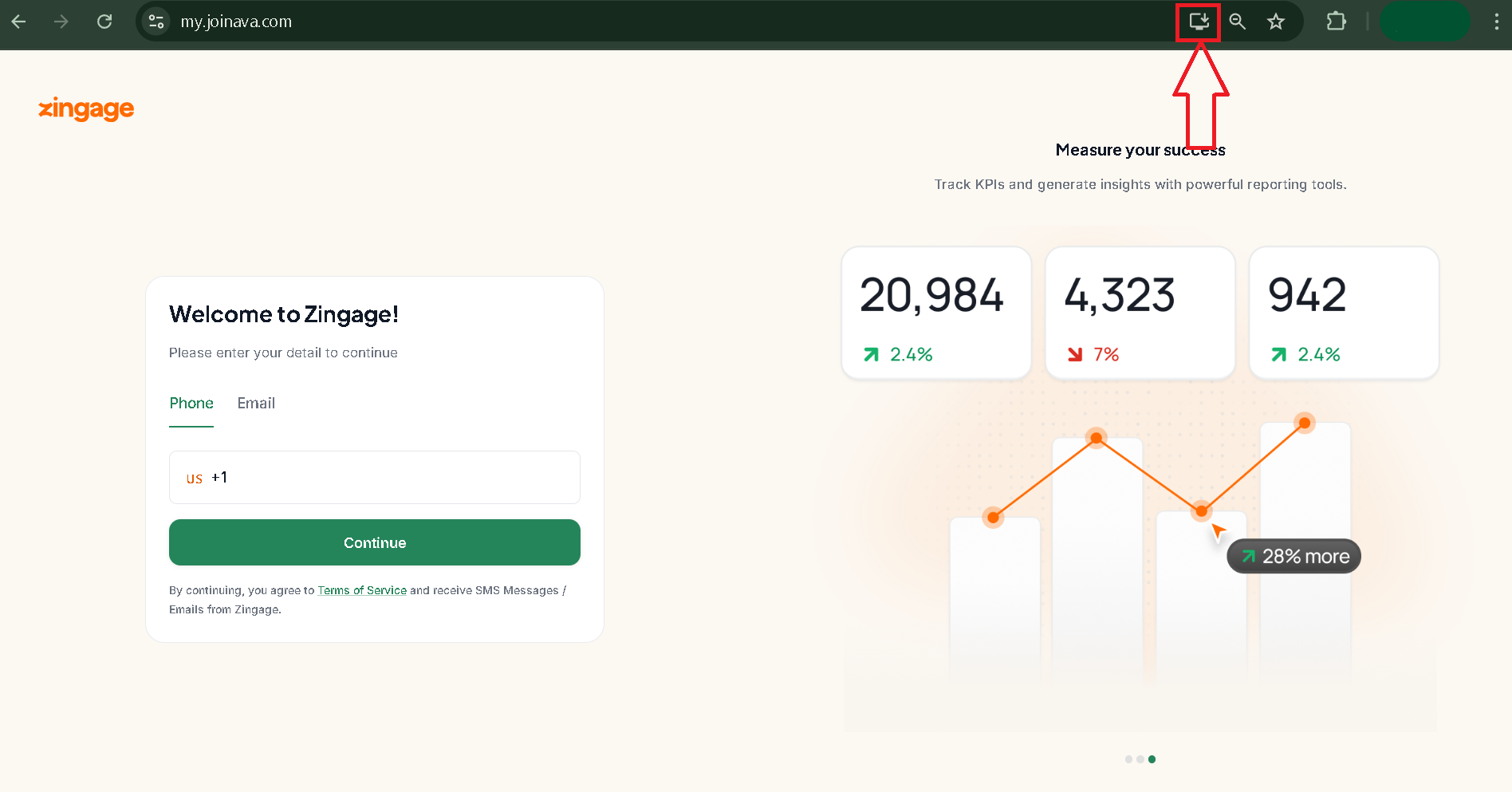
If you're using Chrome browser, look for an install button in the address bar when you're on the website and click it
On Mac
Open the website at my.joinava.com
Locate the favicon icon to the left of the website's URL in the address bar
Click and drag the favicon directly to your desktop or dock
Release the mouse button to drop the icon
Alternative Options
If the above methods don't work for you, you can:
Bookmark the website in your browser for easy access
Pin the tab in your browser so it stays open
Simply navigate to my.joinava.com whenever you want to access Zingage
For Mobile Devices
If you're using a mobile device, you can add Zingage to your home screen. Check out this article for detailed instructions on adding the website to your mobile home screen.