December 9, 2025 — “Perform Webinar: What's New, What's Next?"
Last updated: January 12, 2026
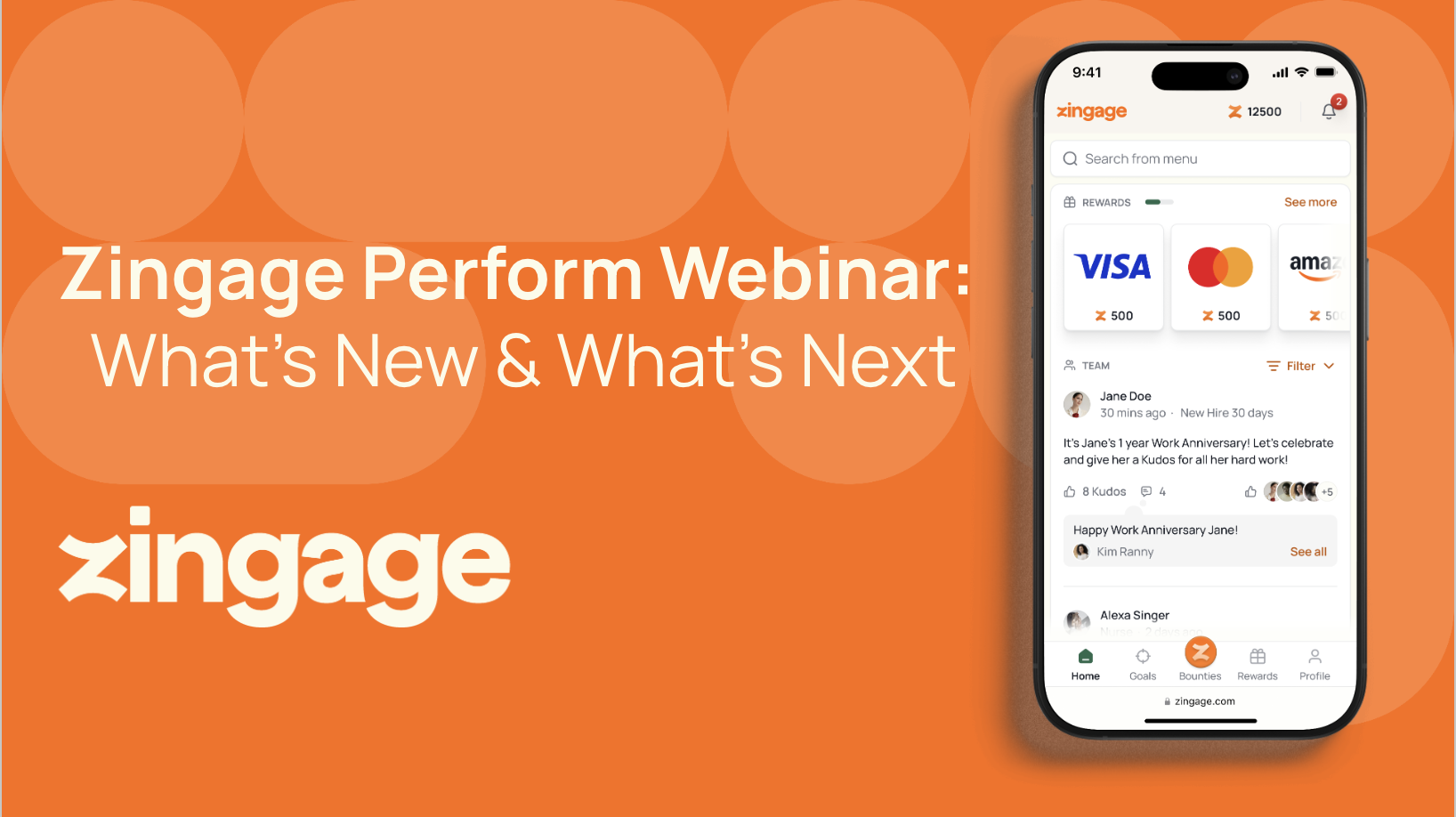
At A Glance: | |
Webinar recording | |
Length | 60 min |
Presenters | Jessica Clark (Customer Experience Lead) & Simonia Jn Baptiste (Caregiver Engagement Lead) |
Audience | Agency owners, HR leads, operations managers, admin users |
Focus | Admin platform updates, new caregiver view, survey best practices, workflow automation |
Why Read This
If you're looking to get more value from Zingage Perform or haven't explored the latest platform updates, this session reveals how to streamline caregiver engagement through automation. Learn the "set it and forget it" approach to surveys, announcements, and milestone tracking—so you can focus on retention instead of manual platform management.
What is Perform? Zingage Perform is the engagement and rewards platform for caregivers (separate from Operator, the AI scheduling platform).
Key Takeaways
Admin Platform Updates | • Enhanced Auto-Invite Setup for streamlined onboarding |
New Caregiver View | Redesigned mobile-first interface for improved caregiver experience and easier navigation |
Survey Automation = Time Savings | • Event-based triggers auto-send surveys at 30/60/90-day milestones |
Survey Best Practices | • Onboarding through 90 days: Critical retention window |
Template Library | Pre-built survey & announcement templates in Best Practices section—fully customizable for your agency needs |
Creative Survey Uses | Deploy surveys as quiz tools for training, holiday contests, or caregiver games with rewards |
Survey Tool Deep-Dive
Four Sending Methods:
Method | Best For | Example |
Send Now | Immediate, one-time feedback | Urgent policy updates or quick pulse checks |
Schedule for Later | Planned campaigns | Holiday availability survey scheduled 2 weeks out |
Event-Based | Milestone automation | 30/60/90-day check-ins triggered by hire date |
Autopilot | Recurring engagement | Weekly pulse survey sent every Monday at 9 AM |
Recommended Survey Milestones
Onboarding Survey — Immediate post-hire feedback on orientation experience
30-Day Check-in — First month impressions and early support needs
60-Day Check-in — Retention signals and ongoing satisfaction
90-Day Check-in — Long-term fit assessment
Weekly/Monthly Pulse — Continuous engagement and sentiment tracking
Reward Amount Guidelines
Weekly pulse surveys: 10-25 cents (high frequency = lower per-survey cost)
Monthly pulse surveys: 25-50 cents
Milestone surveys (30/60/90-day): 50 cents or higher (less frequent, higher perceived value)
Rewards are optional but significantly boost completion rates
What's Next for Perform
Zingage is committed to continuous platform improvement focused on:
Reduced manual effort through expanded automation
Smoother workflows with intuitive UI/UX enhancements
Proactive insights via enhanced reporting and analytics
User-driven features based on agency feedback
Resources
help.zingage.com — searchable knowledge base + webinar replays
kathy@zingage.com — support and caregiver questions